
Last Updated 1 hour ago
Overview
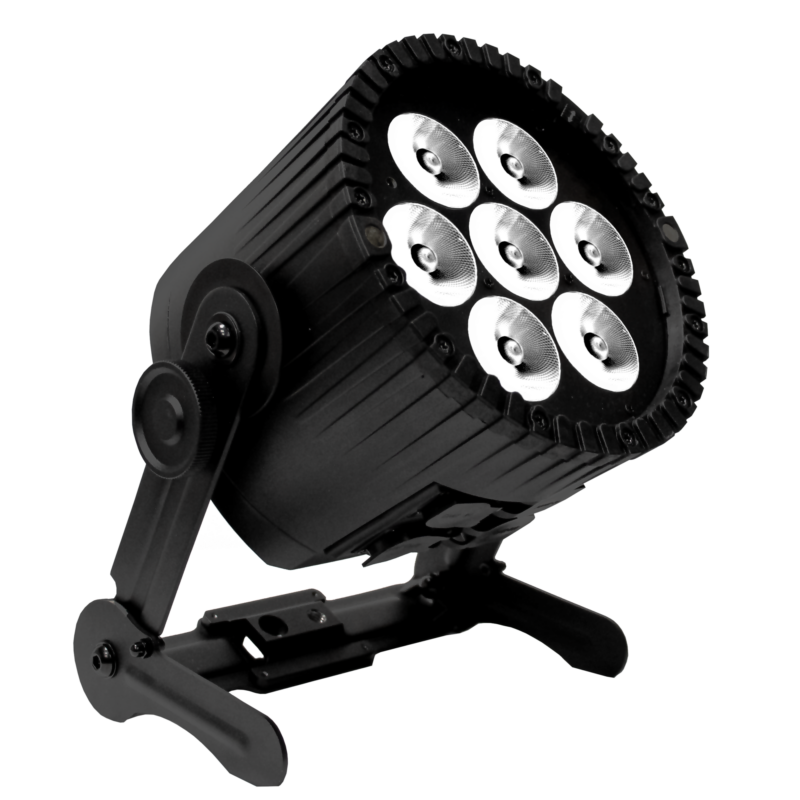
The Astera AX9 PowerPAR is a battery-powered RGBMintAmber PAR using the Titan LED Engine. It combines a narrow native beam with removable mounting hardware, built-in Bluetooth Bridge, CRMX and wired power and DMX for event, stage and location applications.
Images: Astera. Select an image to enlarge; swipe the gallery on smaller screens.
AX9 is the larger Titan-engine alternative to the older RGBAW AX5. It is a fixed-optics PAR: the native 13° beam is changed with filters, whereas the QuikFamily uses a mechanical zoom. Its 70W LED draw should be distinguished from the 110W AC specification.
Key specifications
| Specification | Details |
|---|---|
| Order Code | AX9 |
| LED Engine | Titan LED Engine |
| Colors | RGBMintAmber |
| LED Power Draw | 70 W |
| Beam Angle | 13° |
| Field Angle | 25° |
| Pixels | 1 |
| Battery Runtime | up to 20 hours |
| Charging Time (nominal) | 5 hours |
| AC Input | 100-240 VAC, 50/60 Hz, 2.3 A/115 VAC, 1.1 A/230 VAC, 110 W |
| AC Connector | PowerCON TRUE1 IN/OUT compatible |
| Wired DMX | Yes (via 5-pin XLR) |
| CRMX Receiver | Built-in |
| BluetoothBridge BTB | Built-in |
| IP Rating | IP65 |
| Ambient Operating Temperature | 0 – 40 °C / 32 – 104 °F |
| Weight | 5.66 kg / 12.5 lb |
Strengths and limitations
Strengths
- The Titan engine offers a closer system match to modern Astera film lights than the older AX5 engine.
- Wired power and DMX support long installations alongside battery and CRMX operation.
- A removable bracket, kickstand and AirlineTrack allow floor and raised positions.
Limitations
- At approximately 5.66kg it is a significant load before a clamp and restraint are added.
- Beam spread changes require the correct filter; there is no manual zoom.
- The long managed-runtime setting limits brightness and does not establish full-output battery endurance.
Practical uses
| Setup | Working approach |
|---|---|
| Exterior architecture | Choose the native beam or flood/wallwash filter by the actual surface. Check overlap and access before placing the lamps on battery. |
| Stage or event PAR | Use wired power for extended operation and patch the intended DMX personality. Group lamps by position so the operator can correct a local exposure issue. |
| Location bounce or accent | Use the narrow beam for a controlled pool or a small bounce. Compare the resulting softness and exposure with a dedicated Fresnel or panel. |
Output and colour
The current V4 data sheet gives 3,047 lumens at 5,500K and a 13° native beam. Its 1m readings are 47,078 lux at 3,200K and 44,355 lux at 5,500K. Those distances follow the current data sheet; older catalogues label similar figures differently.
Astera lists CRI/TLCI of at least 96 over 3,200–6,500K. This describes the stated white-light range, not every saturated colour. Adding a flood filter spreads the available light, so compare filtered readings at the same distance rather than judging the wash from the native spot figure.
| Manufacturer reference | Published output |
|---|---|
| 3,200K, native optics, 1m — V4 data sheet | 47,078 lux |
| 5,500K, native optics, 1m — V4 data sheet | 44,355 lux |
| 5,500K, luminous flux | 3,047 lm |
Power and batteries
The internal battery offers managed runtime up to 20 hours, with nominal charging of five hours. Set runtime before the exposure or event look is approved; lengthening it later can reduce the available level.
The AC specification is 100–240V, 50/60Hz and 110W, with TRUE1-compatible input/output. A dedicated multi-unit charging plate and case are separate package components. Check the whole charging load and available circuit rather than multiplying only the LED draw.
Control and camera operation
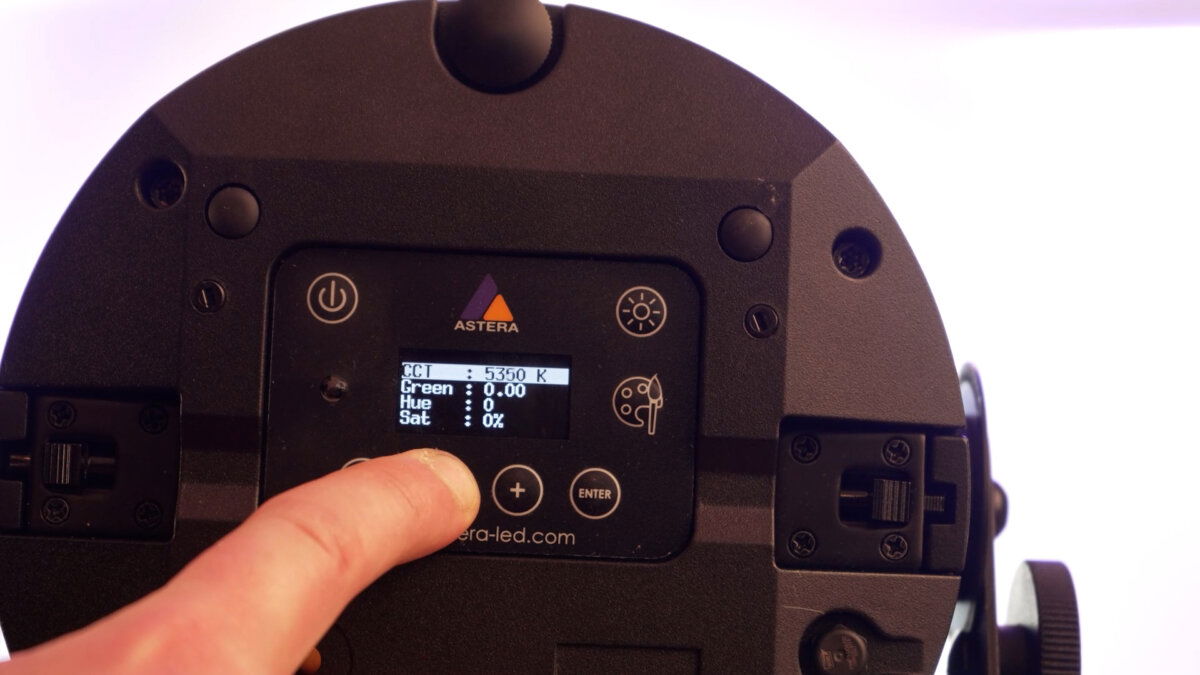
AX9 includes CRMX, Bluetooth Bridge, Astera UHF, infrared and wired 5-pin DMX. Use AsteraApp for preparation and monitoring through the supported bridge arrangement; use the appropriate DMX personality for console cues.
Match firmware across the rental package where practical and test the intended patch before rigging. Save runtime, dimming and colour settings with the cue. Test the actual camera frame rate and shutter for scenes that show the beam, lens or a low-level fade.
Modifiers, mounting and the working package
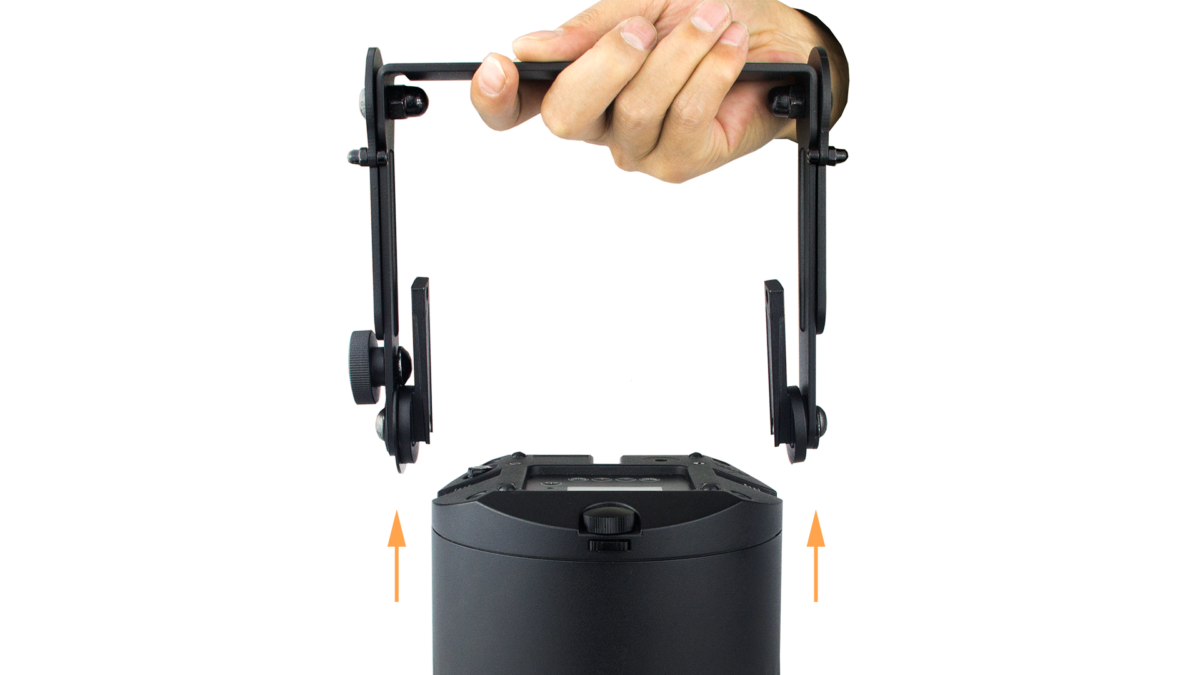
The bracket can be removed for a cleaner uplight position. AirlineTrack and housing threads take the matching pins and adapters. The kickstand changes the angle without a large stand, but it does not secure the fixture against disturbance.
The current package list identifies a 30° flood filter and wallwash filter. Specify the actual filter rather than assuming AX5 parts are interchangeable. Inspect retention, bracket locks and connector seals; maintain the prescribed IP65 assembly and suitable protection for distribution.
Alternatives and related fixtures
| Fixture | When to compare it |
|---|---|
| Astera AX5 TriplePAR | A smaller older RGBAW PAR when its colour and output are sufficient. |
| Astera QuikSpot | Mechanical beam adjustment in a smaller spotlight package. |
| Astera QuikPunch | A larger zoomable Fresnel-style spotlight with a different beam-control package. |
Reports and demonstrations
Astera: AX9 operational walkthrough
Astera’s AX9 demonstration shows the removable bracket, aiming options, power/data connections and wireless workflow. It is a manufacturer walkthrough, useful for package planning rather than an independent output test. Read the full account.
Videos
Astera: AX9 PowerPAR demonstration
Rental and used-fixture checks
Include the bracket, correct filters, pins, data leads and actual charging arrangement. Inspect the yoke release, kickstand, AirlineTrack, connector covers and filter retention.
Test native and filtered beams, white matching and low-level fades across the package. Check useful battery capacity on a sustained cue, then confirm wired operation and the complete wireless path from the planned control position.
Documentation and specifications
Official product overview · Technical specifications · User manual · Data sheet · DMX profiles · All downloads
Browse Astera lights · all equipment.