
Last Updated 7 hours ago
Overview
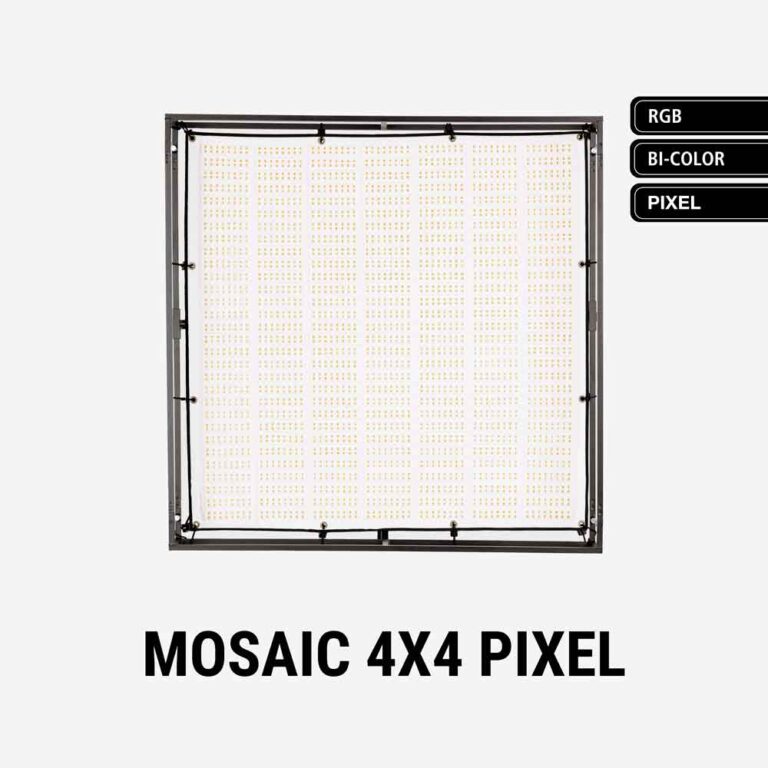
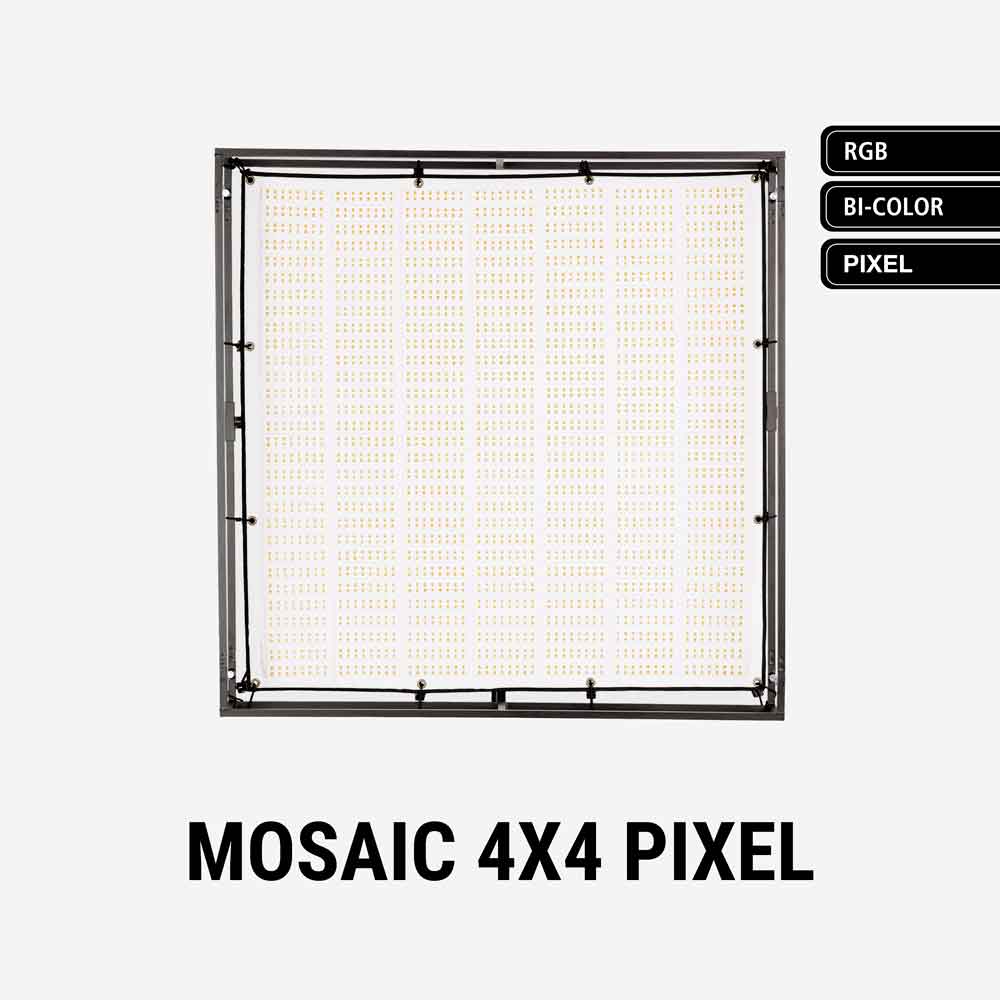
The Aladdin MOSAIC 4×4 PIXEL is a foldable RGBWW mat with 196 individually controllable pixels. It combines a large soft-light face with spatial colour and intensity effects for interactive lighting, moving reflections and virtual production.
Select a photo to enlarge.
It uses the MOSAIC Pixel Dimmer for pixel control and Art-Net integration. The similar-looking original MOSAIC 4×4 is a separate model; buying a standard 4×4 frame or a non-pixel panel does not create a pixel system.
Key specifications
| Specification | Details |
|---|---|
| LED system | RGBWW; 600 W white / 420 W RGB ratings |
| Pixels | 196 individually controllable pixels |
| CCT range | 2200–12,000 K |
| Manufacturer colour ratings | CRI 95 / TLCI 95 |
| Panel dimensions / mass | 1100 × 1100 mm; 4 kg |
| Frame reference | 1150 × 1160 × 170 mm; 4.5 kg |
| Power input | 48 V DC / 12.5 A; 100–240 V AC PSU |
| Pixel controller | M-PIXEL-DIM |
| Connectivity | Bluetooth; DMX, LumenRadio and Art-Net through appropriate controller |
| Kit SKU | M-4X4-PIXEL-KIT |
| Dimming | 1–100% on the product page |
Strengths and limitations
Strengths
- Spatial colour and intensity effects
- Shared MOSAIC frame accessories
- Foldable large source
Limitations
- More patching and programming than a single-zone soft light.
- Pixel control requires the correct panel, dimmer and mode.
- The complete frame and power package remains sizeable.
Practical uses
Moving vehicle light. Program a sweep across the panel to move a reflection or change the apparent source position. Judge the effect on the subject and reflective surfaces rather than only looking at the panel.
Fire or screen interaction. Use different regions to vary colour and level across the set. Add diffusion when individual LED regions become visible in the subject’s reflection.
Virtual production fill. Place it to support the direction and colour of the displayed environment. Pixel control does not establish camera synchronisation; test the entire playback and camera chain.
Output and colour
The panel retains the 600 W white / 420 W RGB ratings of the published 4×4 format. A pixel cue illuminates only part of the surface at times, so its useful level depends on how many pixels are active and their colour.
Heavy diffusion blends the individual regions and softens pixel boundaries. That can improve a natural lighting effect while reducing the visible spatial detail. Test the actual diffusion distance, pixel pattern, exposure and camera settings together.
White field versus pixel effects
A full white field and a sparse moving pattern are different exposures. Meter the actual effect at the subject: the active area, colour mix and diffusion gap determine how much of the panel contributes at each instant. Diffusion can make pixel boundaries less conspicuous while also reducing contrast between adjacent regions.
Aladdin’s Pixel product page links the standard MOSAIC 4×4 photometric graphic. That is a useful manufacturer white-field reference, but it is not a measurement of a moving pixel cue or a separate independent test of this Pixel model.

Power and batteries
The Pixel manual specifies a 48 V DC, 12.5 A panel input and a 100–240 V AC supply. Use the proper MOSAIC 600 W power package and pixel interconnects.
Retain the PSU and dimmer independently of the fabric head. For battery work, use an approved complete 48 V arrangement; a standard V-mount plate by itself is not a suitable direct supply.
Pixel kit and supply path
| Part | Model / function |
|---|---|
| Pixel head | M-4X4-PIXEL-PANEL; 196 controllable pixels. |
| Controller | M-PIXEL-DIM. The standard M-WDIM is a different controller. |
| Power | Matching MOSAIC 600 W supply; the panel manual lists 48 V DC / 12.5 A. |
| Mechanical parts | M-4X4-FR frame, M-4X4-DIF diffuser and M-4X4-GRID are listed for the Pixel package. |
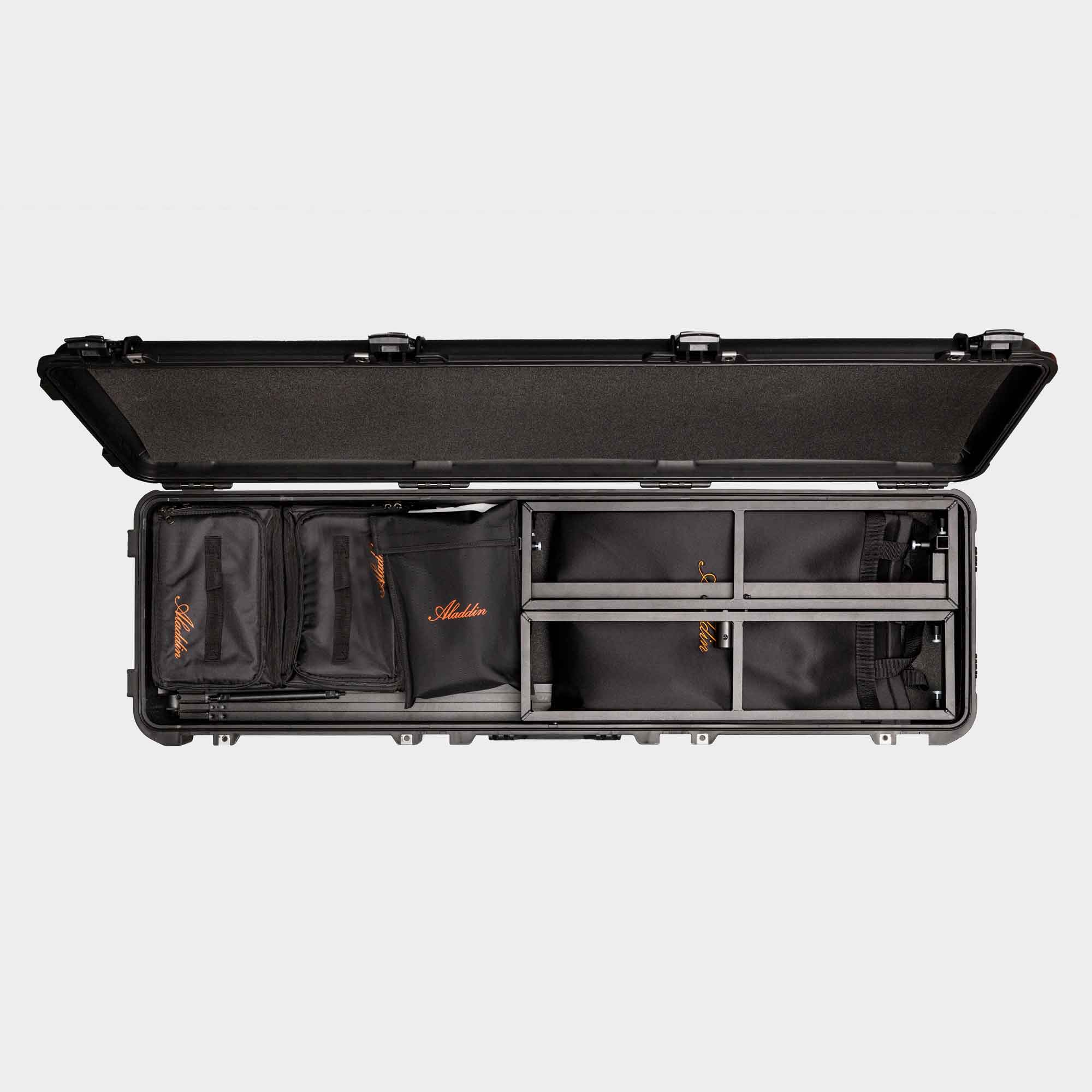
Compare the complete kit rather than the four-kilogram panel alone. The published frame reference adds 4.5 kg before cables and diffusion; the product page lists 20.5 kg for the full cased package. Include separate support for the PSU and dimmer when planning an overhead or moving setup.
Control, cooling and camera operation
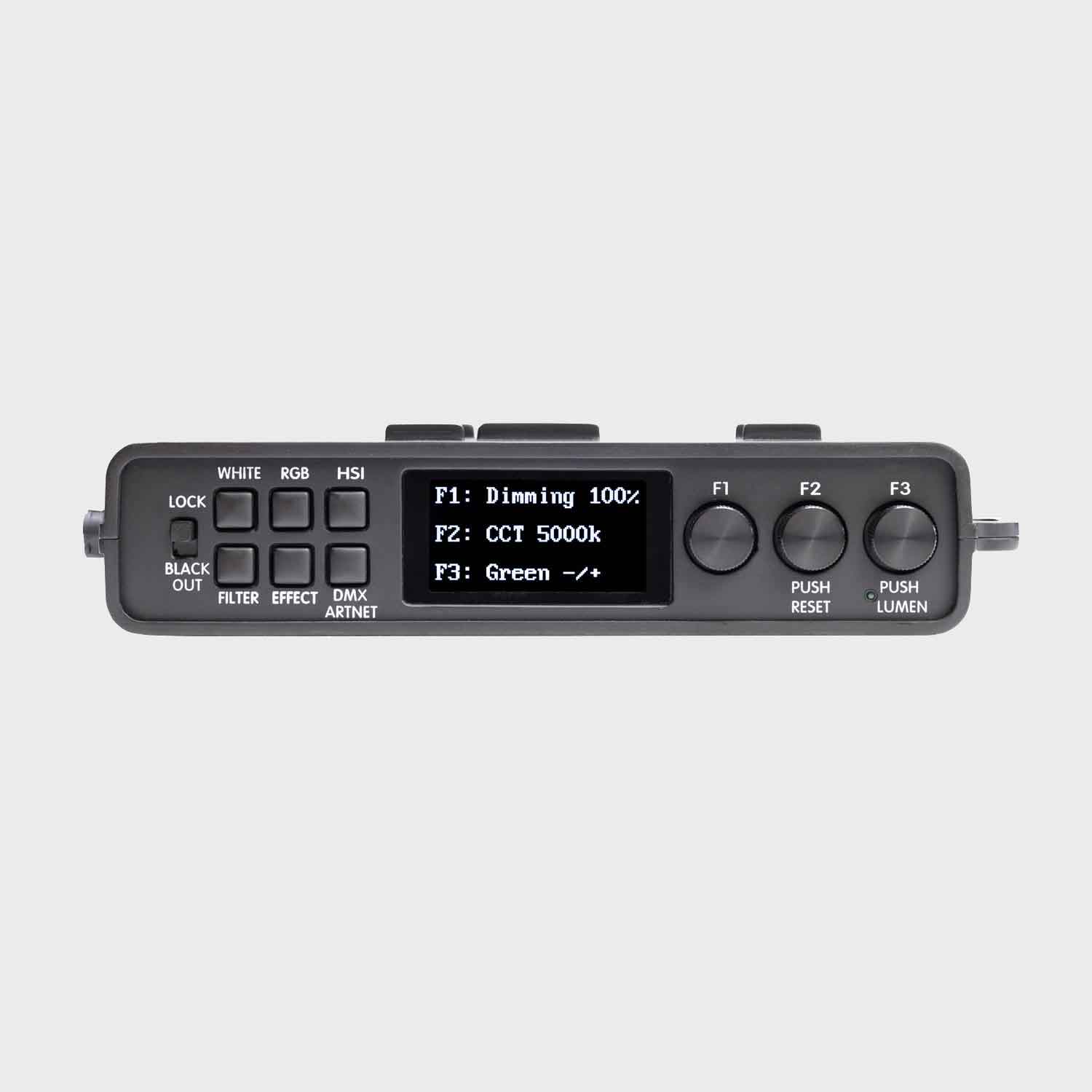
The manufacturer manual distinguishes the standard wired dimmer from the Pixel Dimmer. Art-Net is associated with the Pixel Dimmer. Select the intended operating mode and patch from the current Pixel controller manual and DMX map.
Pixel resolution changes the channel footprint. Confirm universe allocation, pixel order and colour mode before building effects. Test blackout, a static white field, individual regions and a full moving cue before the panel is raised.
Art-Net setup and verification
- Select Art-Net as the Pixel Dimmer’s input type, then use F2 to enter its network pages.
- Read the controller’s IP and MAC information and configure the lighting controller for the same working network. The manual provides a DHCP reset option.
- Set the Art-Net universe and the matching fixture profile. Keep universe numbering consistent between the console and receiver.
- Test a static white field, each colour and a pattern that identifies individual pixel positions. Record orientation before the panel is raised.
- Save the working address, input mode, firmware and pixel mapping with the lighting setup. Confirm the cue after a power cycle.
The Pixel Dimmer manual documents two Ethernet sockets, 5-pin DMX input/output, a LumenRadio antenna socket and a microSD slot. Its specification page gives a five-channel RGBWW DMX summary, but it does not provide a complete 196-pixel Art-Net patch table. That five-channel line should not be treated as the footprint of every pixel-addressing mode.
The controller’s WHITE, RGB, HSI, FILTER and EFFECT pages provide whole-source operation as well as the network input route. The dimmer lists a 0.5–100% range, while the panel product page lists 1–100%; test the actual controller’s lowest fade and blackout rather than treating those different published endpoints as one verified result.
Modifiers, rigging and the working package
The Pixel Kit includes the Pixel controller, 4×4 frame, diffuser, grid, supply, cables and case. Existing 4×4 MOSAIC frame accessories are listed as compatible, but shared mechanical parts do not establish compatibility with every older control unit.
Use the designed fabric attachment points and support the controller and supply separately. Protect the tiles and fold points during transport. Diffusion, grid and frame depth all affect the resulting source size and rigging clearance.
Alternatives and related fixtures
| Fixture | Choose it for |
|---|---|
| LiteMat Spectrum 4 | A broad colour source with a different control architecture. |
| amaran F22c | A smaller colour mat when one overall colour is enough. |
| MOSAIC 4×4 | 1100 × 1100 mm, 600 W white / 420 W RGB single-zone mat. Choose the square reflected shape when spatial pixel effects are unnecessary. |
| MOSAIC 3×6 | 890 × 1780 mm, 600 W white / 420 W RGB mat. Its long rectangle changes coverage and reflections without changing to a pixel-addressed system. |
| MOSAIC TUBE 8 | Approximately 2.4 m inflatable RGBWW tube at a 200 W rating. Choose the longer source for extended reflections and coverage; allow space for its complete support package. |
Videos
Aladdin MOSAIC Pixel tutorial
Manufacturer setup and pixel-control guide.
Rental and used-fixture checks
Confirm the panel label and M-PIXEL-DIM rather than accepting an original MOSAIC 4×4 kit. Run a test pattern that addresses every pixel independently.
Inspect fold areas and LED tiles, check network and radio operation, and verify the complete frame and mains package. Save the working controller mode, mapping and address with the lighting setup.
Documentation and specifications
- Official model specifications
- MOSAIC Pixel panel manual
- Pixel Dimmer manual
- Aladdin DMX maps, December 2025
Browse Aladdin lights, LED mats or the equipment directory.