
Last Updated 7 hours ago
Overview
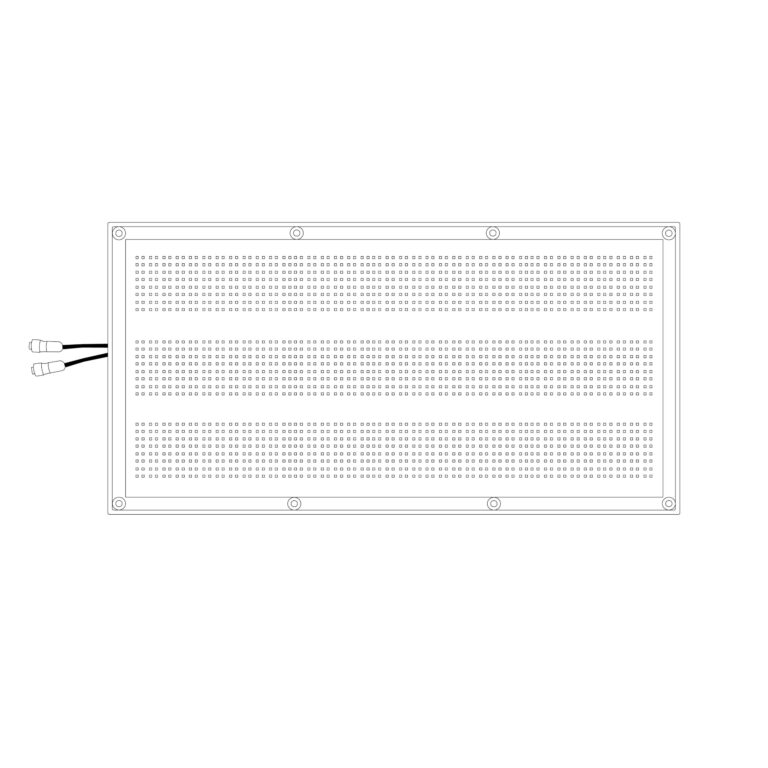
The Aladdin MOSAIC 2×4 is a foldable RGBWW LED mat with a 350 W white-light rating. Its broad rectangular emitting face works as a soft key, overhead source or coloured reflection without putting a heavy metal housing at the lighting position.
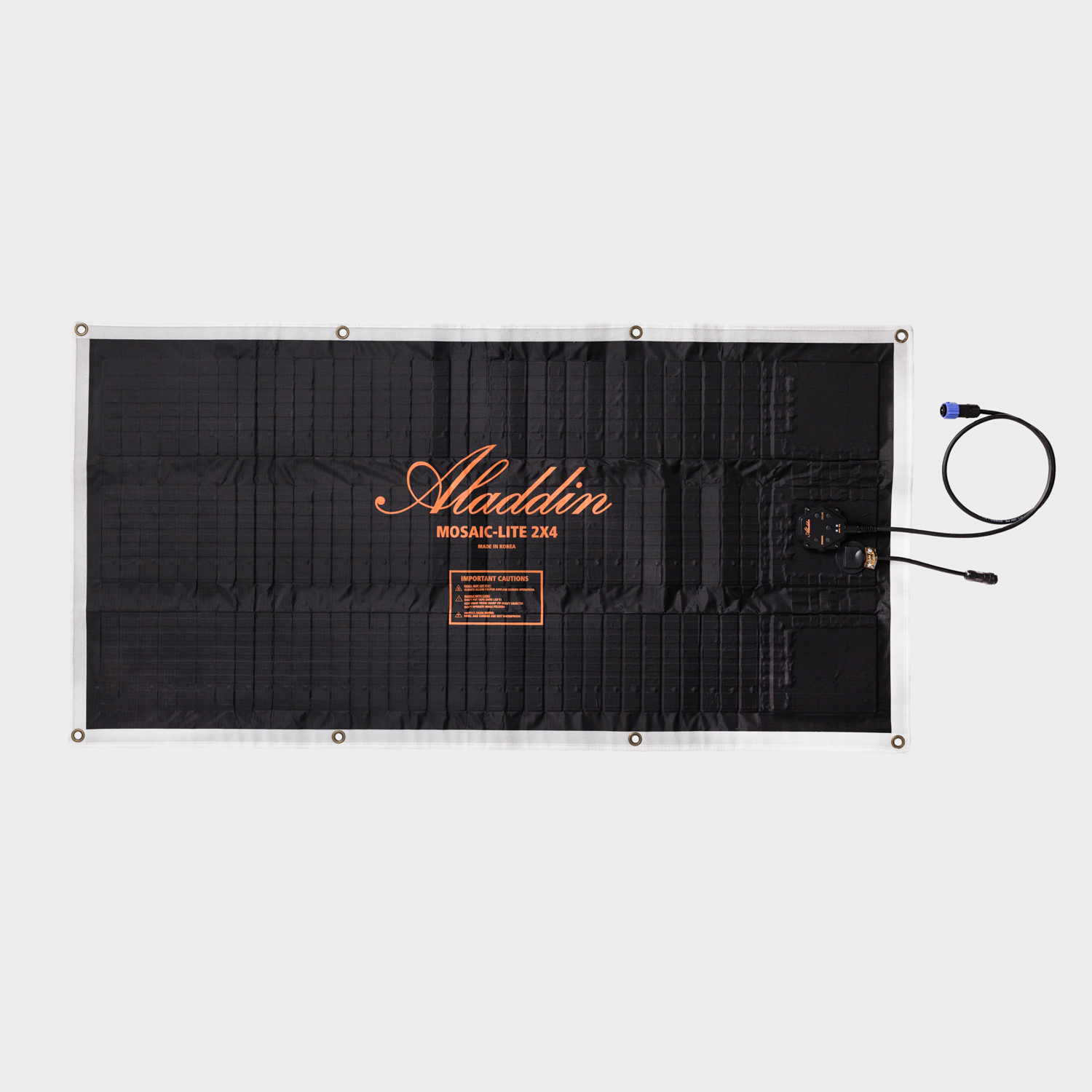
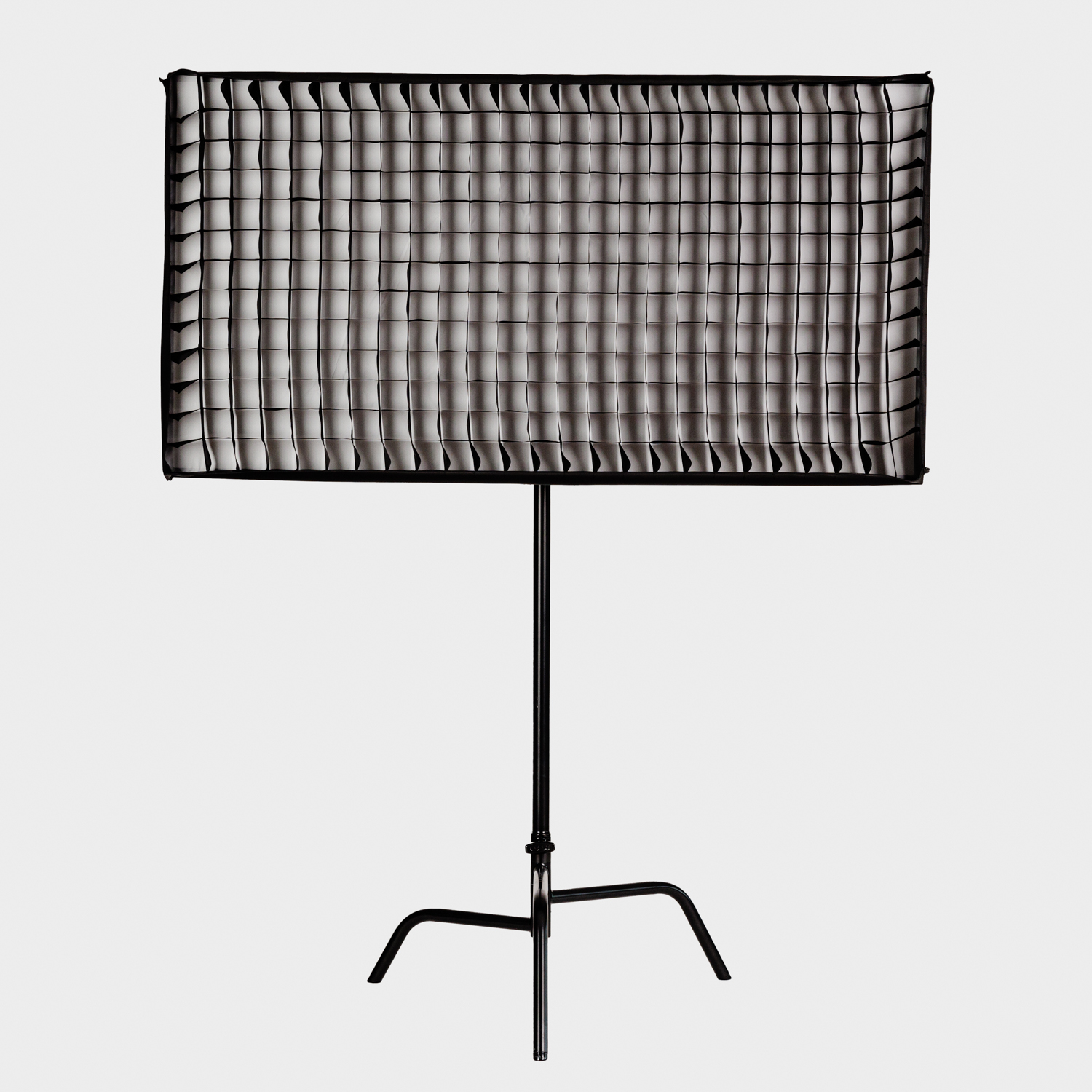
Select a photo to enlarge.
The 2×4 is the smaller large-format MOSAIC. It fits interview and location work where the full 4×4 or 3×6 frame is awkward, while retaining the separate 48 V power supply and optional console-control hardware of the larger system.
Key specifications
| Specification | Details |
|---|---|
| LED system | RGBWW; 350 W white / 250 W RGB ratings |
| CCT range | 2200–12,000 K |
| Manufacturer colour ratings | CRI 95 / TLCI 95 |
| Panel dimensions / mass | 550 × 1100 mm; 2.2 kg |
| Folded panel | 400 × 500 mm, manufacturer reference |
| Frame dimensions / mass | 680 × 1100 × 170 mm; 3.6 kg |
| Complete cased kit mass | 17 kg |
| Published beam angle | 140° |
| Power | 48 V DC; matching 100–240 V AC supply |
| Control | Rear controls and Bluetooth; DMX / LumenRadio through the appropriate accessory |
| Dimming | 1–100% listed on product page |
Strengths and limitations
Strengths
- Lightweight emitting head
- Broad tunable-white and RGB source
- Folds for transport
Limitations
- The frame, stand, PSU and controller still form a substantial working package.
- The bare mat cannot produce the hard, focused beam of a spotlight.
- Folding points, cables and LED tiles need protection in the case.
Practical uses
Interview key. Set the long side horizontally for a wide face-level source, or vertically when a narrower reflection is useful. Add diffusion for the intended shadow quality, then use a grid and negative fill to control the room.
Vehicle or small interior. Use the thin mat where a rigid panel would intrude into the shot. Keep the supply and control unit accessible outside the cramped lighting position.
Product reflection. Watch the actual reflected shape in glossy surfaces. Change the panel angle and diffusion distance before adding output.
Output and colour
Aladdin publishes a model-specific photometric graphic linked below. Keep its stated distances and colour settings when comparing output; adding a diffuser or grid changes the working level.
The 350 W white and 250 W RGB figures describe different operating conditions. They are not readings in lux, and adding the two figures does not describe a measured white-light output. Broad coverage is the reason to choose this format; a narrow reflector spotlight can produce a much higher centre reading with a very different field.
| Setting | 0.6 m | 1 m | 2 m | 3 m |
|---|---|---|---|---|
| 2750 K | 14,200 | 6,980 | 2,240 | 1,140 |
| 6290 K | 16,700 | 8,210 | 2,640 | 1,330 |

View Aladdin’s model-specific photometric chart.
Power and batteries
The manual specifies 48 V DC at 7.3 A for this panel, supplied by the matching 350 W MOSAIC power unit. The supply accepts 100–240 V AC. Ordinary 14.4/14.8 V V-mount batteries cannot be connected directly to that 48 V input.
For battery operation, use an approved converter or complete power system with the correct voltage, connector and continuous rating. Keep the power unit supported separately and leave its ventilation clear. A compatible-looking plug does not establish an electrically compatible supply.
Power package and cable identification
| Component | Requirement / distinction |
|---|---|
| Panel input | 48 V DC / 7.3 A in the MOSAIC series manual; 350 W white-light panel rating. |
| AC supply | Matching MOSAIC power supply with 100–240 V AC input. Head power is not a measured maximum wall-socket draw. |
| Power extension | M-EXCA3M extends the supply path; identify it separately from the M-WDEXCA3M dimmer extension. |
| Controller | M-WDIM adds a physical display, colour controls and DMX/LumenRadio. Check whether it is included in the quoted kit. |
A battery package has to deliver the required 48 V supply through an approved conversion system. A battery’s Wh label describes capacity, while its continuous output and the converter rating determine whether full output is possible. Include the converter, cables and mounting hardware when comparing an AC kit with a battery-ready package.
Control, cooling and camera operation
The rear control box and Bluetooth app provide local and phone operation. The MOSAIC manual assigns LumenRadio control to the optional M-WDIM; wired DMX uses the appropriate dimmer or DMX-AT attachment. Full and Small Kits may include the dimmer even though a bare panel does not.
Patch the profile for the actual controller, check the start address and test fades, blackout and signal loss before raising the light. The original large-format MOSAIC is not a pixel-addressable panel. Test the chosen camera frame rate and shutter at the dimming levels used in the scene.
Choosing the control route
| Route | What the working package provides |
|---|---|
| Rear buttons / Bluetooth | Quick on-panel selection and app control without the M-WDIM connected. Holding the panel’s M button for more than a second selects blackout. |
| M-WDIM local controls | White, RGB, HSI, filter and effects pages; the display makes repeatable settings easier than the rear buttons. |
| Wired DMX / LumenRadio | The M-WDIM has 5-pin input/output and a cable/radio selection in its DMX page. Older hardware and modes can have different footprints. |
| Bluetooth with M-WDIM attached | The February 2024 manual says the panel cannot be accessed over Bluetooth while this controller is connected. Choose the control path before rigging. |
DMX personalities and patching
Aladdin’s December 2025 DMX map lists the following colour personalities for the non-pixel MOSAIC mats. Select the matching personality on the actual controller and in the console; the fixture name alone does not identify its channel footprint.
| Personality | Footprint | Channel functions |
|---|---|---|
| Simple CCT / crossfade / RGBW | 8 channels | 1 intensity; 2 CCT; 3 green/magenta; 4 white/colour crossfade; 5 red; 6 green; 7 blue; 8 white. |
| Expert CCT / crossfade / RGBW + effects | 11 channels | Channels 1–8 as above; 9 effect selection; 10 effect intensity; 11 effect speed. |
For these footprints, a start address of 505 is the last complete eight-channel patch in one 512-channel universe; the eleven-channel profile must start at 502 or below. Channel 3 values 120–145 are the map’s neutral green/magenta band. Keep the crossfade and effects channels in the intended state when testing a white cue.
The older M-WDIM manual summarises two-channel white and three-channel RGB operation, while the later general map lists eight- and eleven-channel colour personalities. Check the available mode on the supplied controller instead of assuming a firmware upgrade or a different controller has the same patch.
Modifiers, rigging and the working package
The 2×4 Full Kit adds the matching frame, diffuser, grid and hard case to the panel, supply and control package. The Small Kit omits the complete frame-and-diffusion setup; compare the actual packing lists rather than assuming every kit contains the same rigging.
Support the fabric at its designed attachment points without forcing a sharp crease through an LED tile. Keep cable strain off the head connector, retain the power equipment separately and use suitable secondary retention for overhead work. A large diffuser and grid also catch air; head-only weight is not the rigging load.
Frame, diffusion and operating limits
The frame, diffuser and grid are size-specific. Keep the matching bungees and stand adapter with the frame, and check that the softbox skirt closes around the emitting face. A diffusion frame placed farther from the mat changes the apparent source and spill differently from the fitted softbox; compare the illuminated diffusion area at the subject.
The series manual specifies −10 to 40°C operation, a maximum 90° bend/fold, no tape directly on the LEDs, and cooling before the mat is packed. Use the intended frame to leave airflow around the head. The cable is an electrical connection, not a suspension point.
Alternatives and related fixtures
| Fixture | Choose it for |
|---|---|
| Aladdin BI-FABRIC 2 | A much smaller variable-white mat for tight locations. |
| amaran F22c | A smaller square RGBWW mat with a different controller and accessory system. |
| LiteMat Spectrum 4 | Another broad colour source; compare complete rigging, control and power packages. |
| MOSAIC 4×4 | 1100 × 1100 mm, 600 W white / 420 W RGB single-zone mat. Choose the square reflected shape when spatial pixel effects are unnecessary. |
| MOSAIC 3×6 | 890 × 1780 mm, 600 W white / 420 W RGB mat. Its long rectangle changes coverage and reflections without changing to a pixel-addressed system. |
| MOSAIC 4×4 PIXEL | The 1100 × 1100 mm format with 196 controllable pixels and M-PIXEL-DIM. Choose it for moving colour regions and interactive effects; include the extra network and mapping work. |
What people are saying
Related-model field review
Graham Sheldon’s CineD review tests the original MOSAIC 4×4. Its setup observations provide family context; its measurements are not tests of this panel size.
Videos
Aladdin MOSAIC setup, tutorial and connectivity
Manufacturer guide to the original MOSAIC system.
Rental and used-fixture checks
Inspect the entire mat for dark tiles, mismatched colour, damaged fold areas and loose connectors. Run warm white, cool white and each RGB channel separately.
Check the complete frame, bungees, diffuser, grid, PSU, mounting hardware and both power and control extensions. Test the M-WDIM and radio with the intended console. Pack the mat along the designed folds and protect the emitting face.
Documentation and specifications
Browse Aladdin lights, LED mats or the equipment directory.