
Last Updated 1 hour ago
Overview
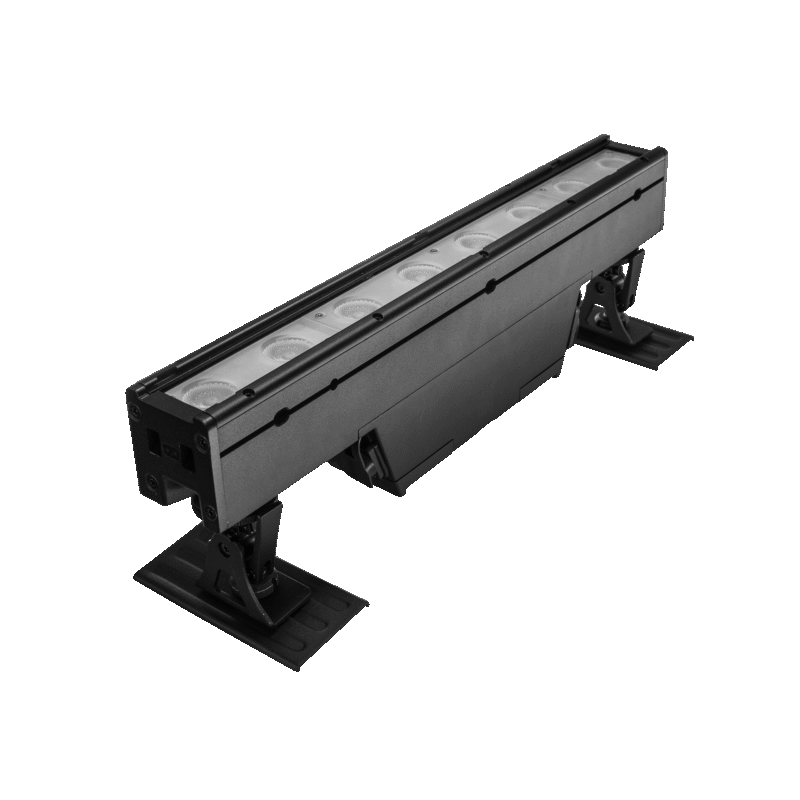
The Astera AX2-50 PixelBar is a half-metre, eight-pixel battery-powered RGBMintAmber wash bar. Its native 21° optics, wired power and DMX, CRMX receiver and BarConnect+ end connections suit wall washes, stage edges and repeated scenic patterns.
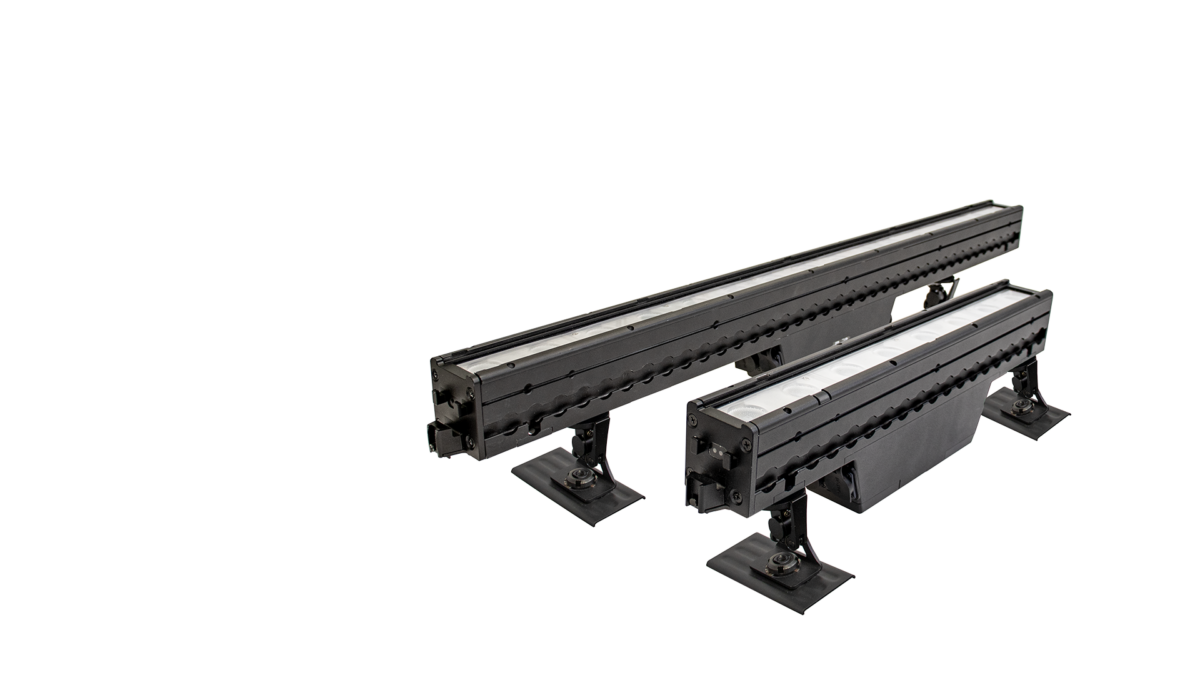
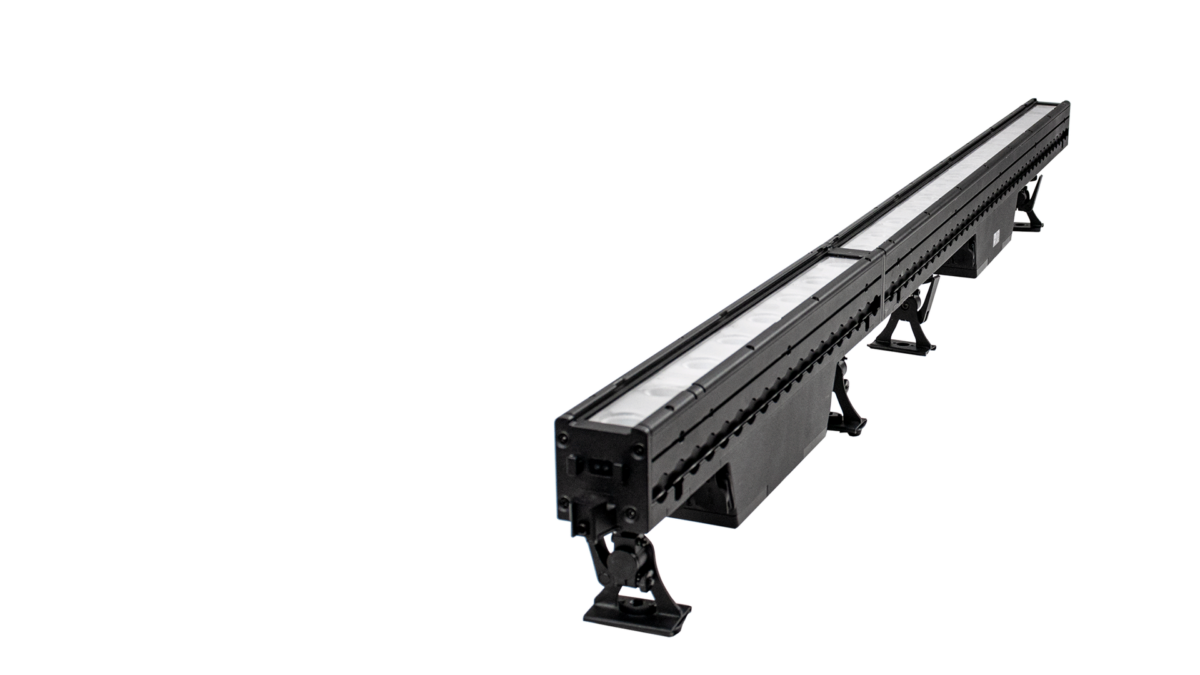
Images: Astera. Select an image to enlarge; swipe the gallery on smaller screens.
The AX2-50 is the shorter model in the PixelBar family. It is easier to fit into a small bay, step or scenic opening than AX2-100, while keeping the same nominal pixel spacing and 21° native beam. It weighs 4.5kg, so a short housing should not be mistaken for a lightweight tube.
Key specifications
| Specification | Details |
|---|---|
| Order Code | AX2-50 |
| LED Engine | Titan LED Engine |
| Colors | RGBMintAmber |
| LED Power Draw | 40 W |
| Beam Angle | 21° |
| Field Angle | 42° |
| Pixels | 8 |
| Battery Runtime | up to 20 hours |
| Battery Runtime (max. Brightness) | 2 h 50 m |
| Charging Time (nominal) | 5 hours |
| AC Input | 96-264 VAC, 50/60 Hertz, 2 A, 49 W |
| AC Connector | PowerCON TRUE1 IN/OUT |
| Wired DMX | Yes (via 5-pin XLR) |
| CRMX Receiver | Built-in |
| BluetoothBridge BTB | No |
| IP Rating | IP65 |
| Ambient Operating Temperature | 0 – 40 °C / 32 – 104 °F |
| Weight | 4.5 kg / 9.9 lbs |
Strengths and limitations
Strengths
- Individual pixels and consistent pitch allow chases across a linked line of bars.
- BarConnect+ joins supported bars and assists addressing and alignment.
- An internal battery, AC input and wired/wireless control support temporary or extended rigs.
Limitations
- Fixed native optics require filters for a broader spread; it is not a diffuse tube.
- The published maximum-brightness runtime is 2h 50m; the 20-hour setting limits output.
- The documented standard AX2 has no built-in Bluetooth Bridge and needs a supported external bridge for AsteraApp.
Practical uses
| Setup | Working approach |
|---|---|
| Wall wash | Tilt the feet and choose the wall distance before raising intensity. Look for scallops and gaps where adjoining bars overlap. |
| Stage edge or footlight | Select a wider filter if needed and shield direct lens glare. Check sightlines from the audience and every camera position. |
| Linked pixel line | Connect and support the bars as instructed, confirm pixel order and patch the chosen profile. Mechanical joining does not eliminate the need for power/data cables or rated suspension hardware. |
Output and colour
The 50cm model uses 40W LED draw and produces 2,265 lumens at 5,500K. Its native-beam 1m reference at that colour temperature is 11,010 lux. These are lens-based wash-bar figures, not directly comparable with a diffuse tube’s broad distribution.
The Titan RGBMintAmber engine is specified at CRI/TLCI ≥96 over 3,200–6,500K. Optional 30°, 60° and 120° filters change coverage and intensity. Check the actual filtered beam, particularly close to a wall where the lens pattern or pixel boundaries may become visible.
| Manufacturer reference | Published output |
|---|---|
| 3,200K, native optics, 1m | 11,060 lux |
| 5,500K, native optics, 1m | 11,010 lux |
| 5,500K, luminous flux | 2,265 lm |
Power and batteries
Astera lists 2h 50m at maximum brightness, managed runtime up to 20 hours and a nominal five-hour charge. The 49W AC specification is separate from the 40W LED draw. Select runtime before setting the final look.
AC input is 96–264V through TRUE1 input/output. Build a linked run using the appropriate power and 5-pin DMX jumpers. Respect the circuit, cable and connector limits of the complete run; BarConnect+ is not a substitute for an electrical-distribution plan.
Control and camera operation
The standard model supports onboard controls, wired 5-pin DMX, CRMX, Astera UHF and infrared. Its published specification lists no built-in Bluetooth Bridge, so app use needs a compatible AsteraBox or another supported bridge.
BarConnect+ enables supported auto-addressing between connected bars. Confirm the selected personality, pixel order and start address across the entire row; automatic addressing is useful only when the patch and physical order agree. Check the slowest fades and camera shutter settings at prep.
Modifiers, mounting and the working package
The housing without the end hook is 500 × 165 × 65mm, with a published weight of 4.5kg. Adjustable feet can mount on the bottom or rear AirlineTrack, while TrackHanger and FlyBar serve specified suspended arrangements.
Use rated hardware and the manufacturer’s joining and suspension instructions for a flown row. Check every end latch, foot clamp and secondary restraint. The optional barndoors act as beam and glare control; they do not turn the fixture into a profile projector. Maintain the prescribed IP65 connections for exterior use.
Alternatives and related fixtures
| Fixture | When to compare it |
|---|---|
| Astera AX2-100 PixelBar | The other length for a different bay size, transport requirement or number of separate heads. |
| Astera Titan Tube | A diffuse visible line and different emitting shape. |
| Aputure INFINIBAR PB12 | A different pixel-bar construction and control ecosystem. |
Reports and demonstrations
Astera: PixelBar product walkthrough
Astera’s walkthrough demonstrates the end connection, shared aiming, filters and addressing workflow. It is useful for evaluating how a row is assembled; it is manufacturer material rather than an independent battery or colour test. Read the full account.
Videos
Astera: AX2 PixelBar walkthrough
Astera: AX2 PixelBar introduction
Rental and used-fixture checks
Specify AX2-50 or AX2-100 explicitly and include the right feet, end fittings, filters, jumpers and rigging adapters. Inspect lenses, BarConnect+ latches, AirlineTrack and every foot lock.
Test the actual linked row, not only one bar. Confirm addressing, pixel direction, colour consistency, power recovery and the required battery duration. A damaged end latch or missing jumper can prevent the layout even when each lamp works by itself.
Documentation and specifications
Official product overview · Technical specifications · User manual · Data sheet · DMX profiles · All downloads
Browse Astera lights · all equipment.