
Last Updated 20 hours ago
BB&S Area 48 Color Overview
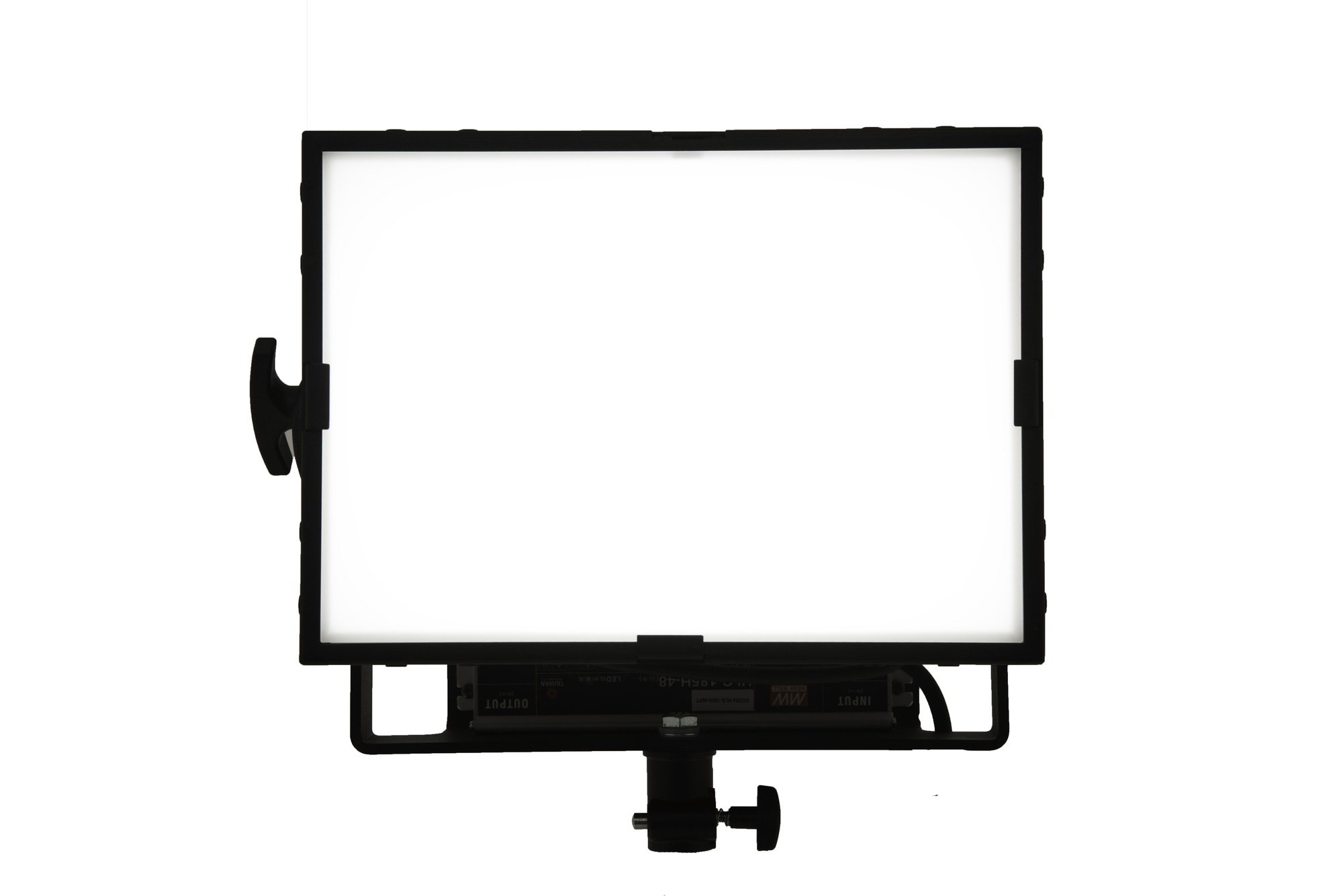
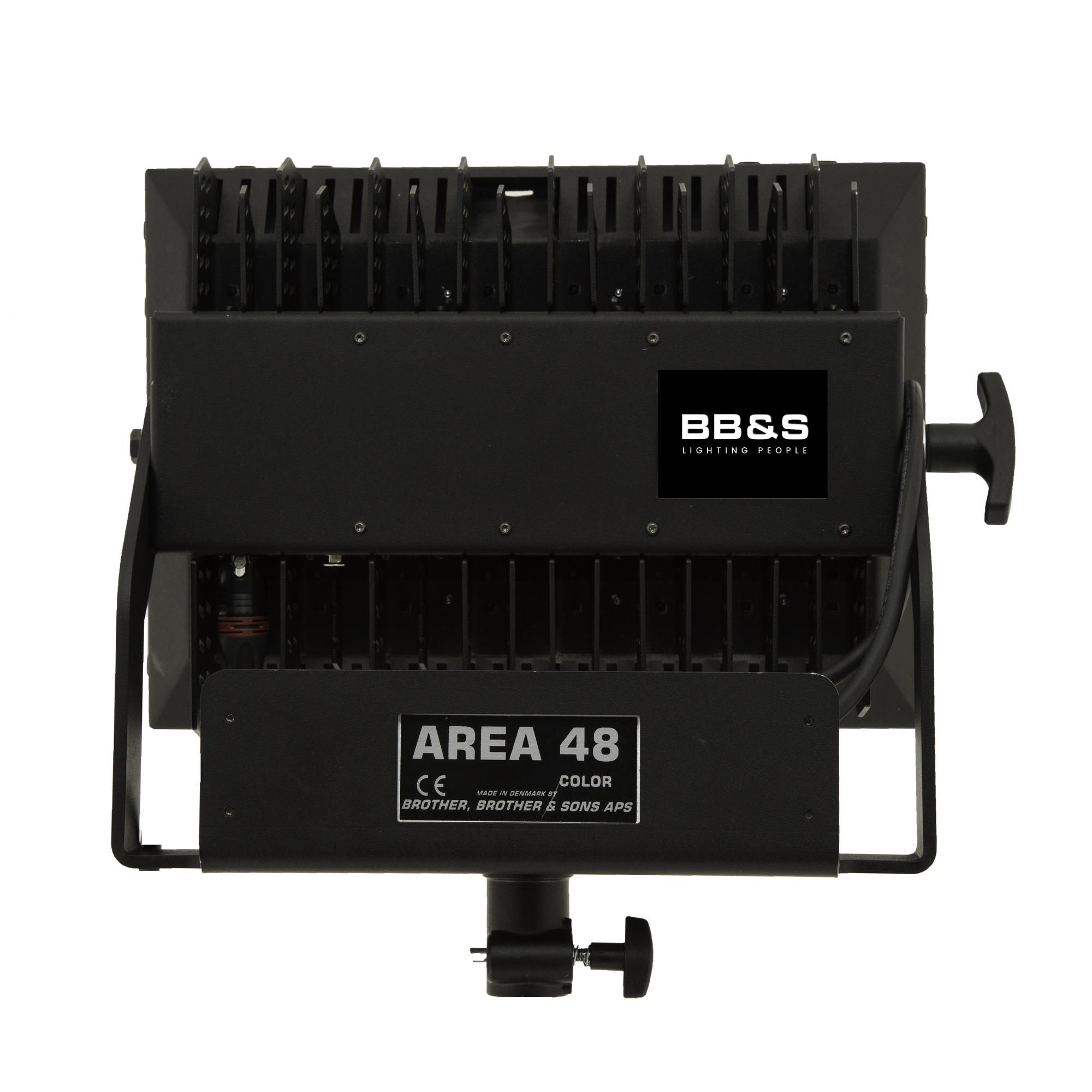
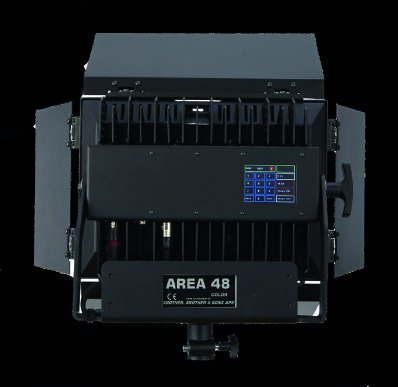
The Area 48 Color combines a broad soft field with colour mixing and a fanless body.
It works well near a seated subject and microphone when a wide source can sit just outside the frame.
- RGBWW LED Red, green, blue, warm white and cool white. Learn about RGBWW.
- 160 W maximum 48 V DC at the fixture.
- Colour Temperature2,500–10,000 K
- Weight 4.6 kg including the power supply.
- Beam Angle 105° standard; accessory coverage is listed below.
- IP RatingNot specified No numeric rating is listed in the cited documentation. Read the IP Rating.
BB&S Area 48 Color Specifications
| Specification | Details |
|---|---|
| Manufacturer and model | BB&S Area 48 Color |
| Source or rated power | 160 W full-colour LED panel |
| Optics, colour or format | 2,500 to 10,000 K, RGB plus warm and cool white |
| Head or system detail | 105° standard spread; 4.6 kg including power supply |
Output Calculator
Select the published setup and a manufacturer distance, or enter a custom throw where supported. The results describe centre-beam output, not the brightness across the whole beam.
Camera Settings
If the calculator does not load, use the published photometric table or source on this page. JavaScript is required.
F-stop is a planning estimate, not a meter reading. It uses direct, on-axis illuminance and includes only the optics and diffusion named in the selected setup. Meter on set to account for lens transmission, filters, added diffusion, bounce, dimming and ambient light.
How the exposure estimate works
N = √(E × ISO × t / C), where E is illuminance in lux and t = shutter angle ÷ (360 × fps). The default C = 340 is a dome reference; C = 250 is a flat reference. These are calibration constants, not a measured T-stop. A small nonzero digit is tenths of a stop above the displayed full stop.
Distance estimates and comparisons
Published points are used as given. Between published points the calculator fits a curve through the two nearest readings. Outside those points it uses the inverse-square law only when the fixture’s dataset permits it. Distances outside a configuration’s supported range are reported separately. Comparisons use one shared distance and camera setup; equal lux does not imply equal coverage.
View published readings for the selected configuration
Strengths and Limitations
- Fanless operation and a broad colour field work well near a microphone.
- The 105° field needs more spill control in a confined room.
Practical Uses
Place the panel close for a broad catchlight. Use an eggcrate or a flag to keep the far wall darker. The 105° spread makes that spill visible in a small room.
Output and Colour
| CCT | 1 m | 2 m | 3 m | 4 m | 5 m |
|---|---|---|---|---|---|
| 2,700 K | 4172 lux | 1043 lux | 464 lux | 261 lux | 167 lux |
| 4,300 K | 4453 lux | 1113 lux | 495 lux | 278 lux | 178 lux |
| 5,600 K | 4838 lux | 1209 lux | 538 lux | 302 lux | 194 lux |
The source provides separate coverage sketches for the standard 105° beam, optional 90° Snapbag and optional 40° SnapGrid, but does not label these illuminance tables as separate modifier tests. No modifier-loss factor is inferred. The calculator interpolates only over the published 1–5 m range.
Photometric source and test conditions.
Power and Controls
The external supply feeds the 48 V head. The BB&S datasheet that supplies the photometric table lists 100–270 V AC, 50/60 Hz; a later BB&S sheet lists 100–240 V AC. Verify the supplied PSU label rather than relying on the wider range. The published maximum draw is 160 W, and the stated ambient range is −20 to +40°C. White, saturation and colour settings are available locally or over DMX/RDM, with 8/16-bit dimming. The 4.6 kg published weight includes the power supply; dimensions are 36 × 28 × 13 cm (W × H × D).
Control, Cooling and Camera Operation
Use the touchscreen to select white colour temperature and tint, HSV or direct emitter control. For console work, match the fixture profile and address before testing a cue. BB&S Area 48 Color operating manual.
Modifiers, Rigging and the Working Package
Barn doors help trim a broad wash. For tighter spill control than the doors provide, flag close to the subject or use a matching grid.
Alternatives and Related Fixtures
For a full-colour 1×1 soft-panel alternative, see Litepanels Gemini 1×1 Soft RGB LED Light Panel.
What People Are Saying
Field Feedback at a Glance
What worked
- RedShark measured TLCI of at least 95.7 from 2800 K through 10,000 K in its three-intensity test series. RedShark News, Area 48 Color test.
- The reviewer saw little output variation at the bottom of the white range, measuring 4,365 lux at 2800 K versus 4,185 lux at 2500 K. RedShark News, Area 48 Color test.
- The reviewer found that the phosphor-converted red emitter rendered red-heavy colours pleasantly, with a broader measured red peak than the direct-emission LED used for comparison. RedShark News, Area 48 Color test.
Drawbacks to plan for
- At the lowest 2500 K setting, the reviewer measured TLCI of 84. RedShark News, Area 48 Color test.
- On the tested firmware, the reviewer found no gel emulation or CIE xy input for matching other fixtures. RedShark News, Area 48 Color test.
- Local colour adjustment was slow for the reviewer: HSV took four actions to reach from startup, and hue and saturation were on a separate screen from intensity. RedShark News, Area 48 Color test.
Videos
BB&S demonstrates the Area 48 Color. This is the colour model, not the earlier interchangeable remote-phosphor Area 48. The video is a manufacturer demonstration rather than an independent output test.
Rental and Used-Fixture Checks
Before You Book
The Color version uses its own controls and 48 V supply. For location power, check the step-up converter and plate supplied with the kit.