
Last Updated 5 days ago
Overview
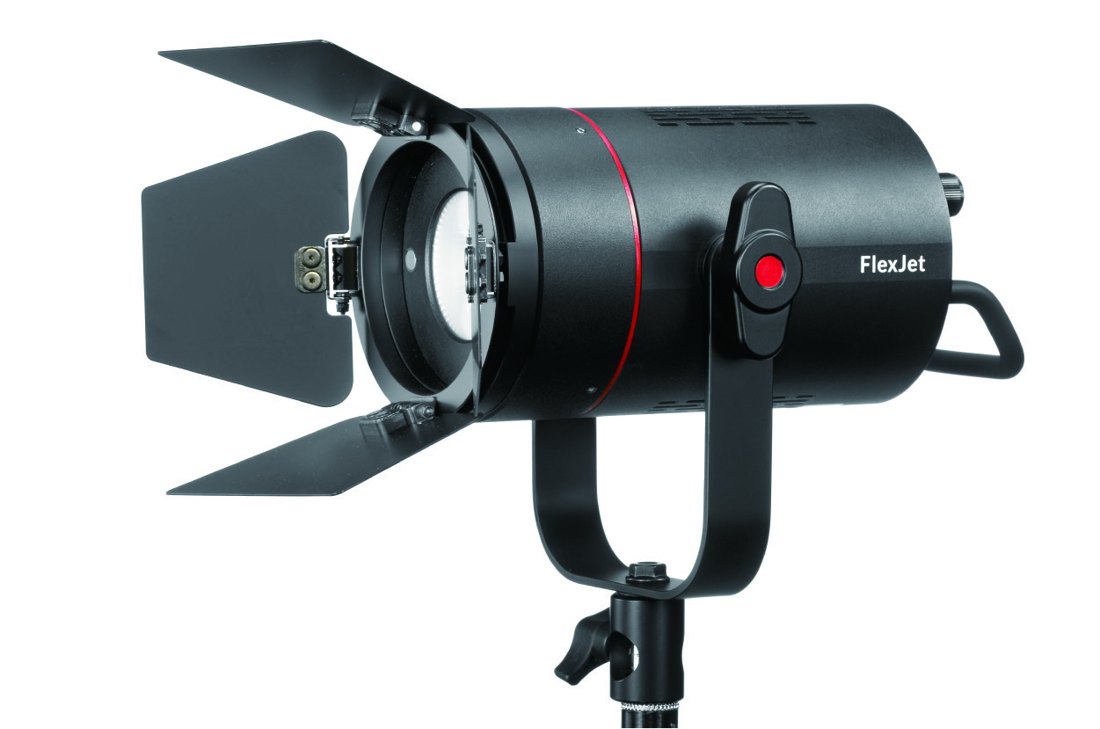
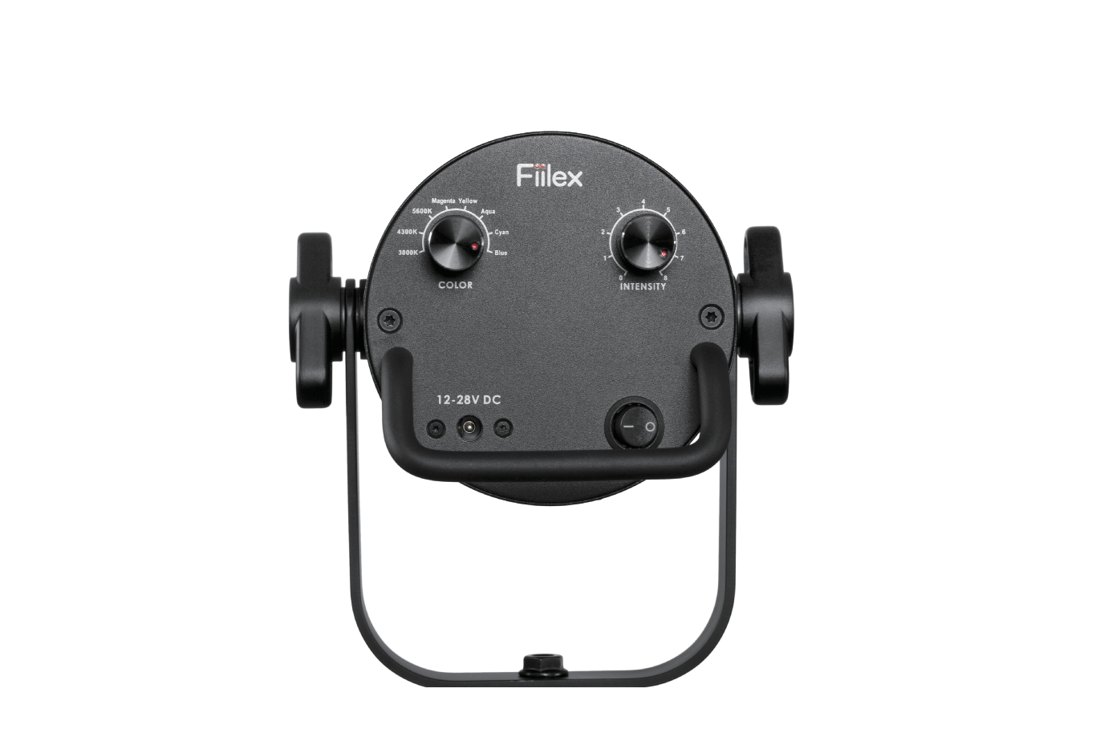
The P200 FlexJet can illuminate through a fibre attachment, allowing the source to sit away from the subject. Its eight presets include three white settings and five colours.
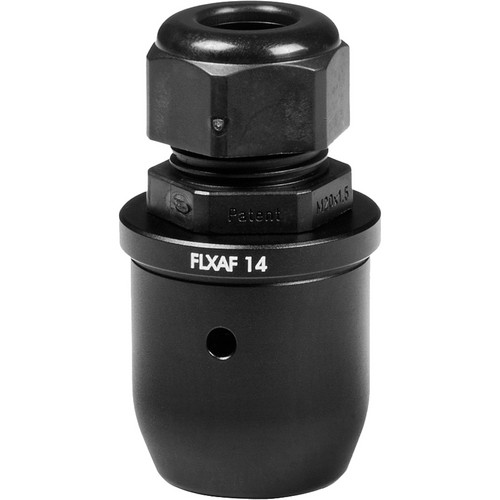
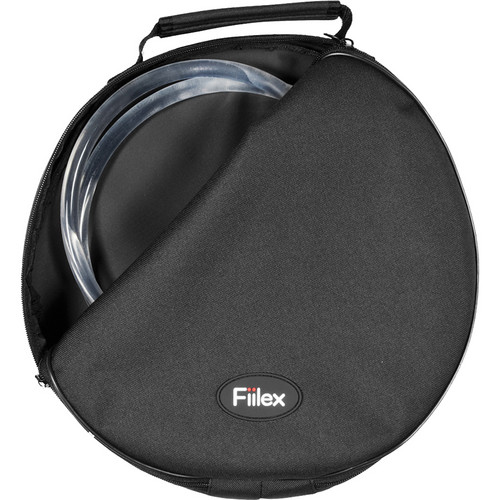
The optional side-emitting Fibre Glow can run around the edge of a practical or into a tight set where a lamphead won’t fit. It needs the matching fibre adapter. Photometry for the bare fixture does not predict what will come out of the fibre.
- Type Dense Matrix LED for fibre-optic effects
- Power 60 W maximum head draw; adapter has a separate 90 W output rating
- Colour Temperature 3,000 / 4,300 / 5,600 K presets, plus five colours
- Weight 1.29 kg / 2.8 lb including yoke
- Beam Control 121° bare; 50° with the optional Color Blender. Fibre attachments have separate coverage.
- IP Rating No numeric rating confirmed. Read the IP rating guide.
Key Specifications
| Specification | Details |
|---|---|
| Manufacturer and model | Fiilex P200 FlexJet |
| Source or rated power | 60 W speciality LED |
| Optics, colour or format | Three white and five colour presets |
| Head or system detail | 10% to 100% dimming |
Output Calculator
Select the published setup and a manufacturer distance, or enter a custom throw where supported. The results describe centre-beam output, not the brightness across the whole beam.
Camera Settings
If the calculator does not load, use the published photometric table or source on this page. JavaScript is required.
F-stop is a planning estimate, not a meter reading. It uses direct, on-axis illuminance and includes only the optics and diffusion named in the selected setup. Meter on set to account for lens transmission, filters, added diffusion, bounce, dimming and ambient light.
How the exposure estimate works
N = √(E × ISO × t / C), where E is illuminance in lux and t = shutter angle ÷ (360 × fps). The default C = 340 is a dome reference; C = 250 is a flat reference. These are calibration constants, not a measured T-stop. A small nonzero digit is tenths of a stop above the displayed full stop.
Distance estimates and comparisons
Published points are used as given. Between published points the calculator fits a curve through the two nearest readings. Outside those points it uses the inverse-square law only when the fixture’s dataset permits it. Distances outside a configuration’s supported range are reported separately. Comparisons use one shared distance and camera setup; equal lux does not imply equal coverage.
View published readings for the selected configuration
Strengths and Limitations
- A fibre attachment can illuminate where a lamphead cannot fit.
- The colour control offers eight presets, which limits precise matching to an existing coloured practical.
Working with the P200 FlexJet
Feed a light guide into a miniature set or product enclosure. For a broader projected patch, the optional Color Blender has its own measured output and spread.
Output and Photometrics
| Configuration | 1 m Lux | 3 m Lux | 5 m Lux |
|---|---|---|---|
| 3000K Bare 121° | 313 | 41 | 15 |
| 4300K Bare 121° | 356 | 47 | 17 |
| 5600K Bare 121° | 376 | 49 | 18 |
| Magenta Bare 121° | 125 | 16 | 6 |
| Yellow Bare 121° | 294 | 39 | 14 |
| Aqua Bare 121° | 341 | 44 | 16 |
| Cyan Bare 121° | 401 | 52 | 19 |
| Blue Bare 121° | 203 | 26 | 9 |
| 3000K Optional Color Blender 50° | 807 | 100 | 36 |
| 4300K Optional Color Blender 50° | 922 | 113 | 41 |
| 5600K Optional Color Blender 50° | 977 | 120 | 43 |
| Magenta Optional Color Blender 50° | 336 | 42 | 15 |
| Yellow Optional Color Blender 50° | 753 | 93 | 33 |
| Aqua Optional Color Blender 50° | 890 | 110 | 40 |
| Cyan Optional Color Blender 50° | 1,048 | 130 | 47 |
| Blue Optional Color Blender 50° | 530 | 65 | 23 |
Photometric source and test conditions.
All listed settings above come from the exact-model Fiilex sheet. Bare and optional-optic measurements are separate; an accessory must be fitted to use its corresponding configuration. The calculator is restricted to 1–5 m. Intermediate values are estimates, not additional factory readings. These are front-emitting readings, not fiber-accessory output. The named color presets are manufacturer lux readings, not white-light equivalents. The generic incident-meter f-stop estimate cannot predict camera color-channel clipping or matching exposure under saturated colors; verify those effects with the intended camera.
Power and Controls
The dimmer operates over the published 10% to 100% range. White choices are 3,000, 4,300 and 5,600 K with five additional colour presets.
Control and Camera Operation
Switching among the three white presets changes colour temperature in steps; there is no continuous white dial. If the fixture is lighting a prop through fibre, judge colour and exposure at the fibre tip rather than treating the bare-head figure as the prop’s output.
Optics and Mounting
A fibre guide places light within a prop. The Color Blender is a separate optic and its 50° chart describes light leaving the front.
Comparable Fixture
For a small focusable LED head, see Dedolight Ledzilla Bi-Color (DLOBML-BI).
What People Are Saying
Field Feedback at a Glance
The P200 FlexJet demo shows how the accessories shape the light. The specifications below come from Fiilex’s datasheet; the demo is not a separate set of meter readings.
What works
- Route light to a small subject. The fibre adapter and flexible guide let you put a point of light in a confined set without fitting the head into the same space. Fiilex shows the effect in its P200 demonstration.
- Pick a preset without a gel frame. The eight settings include three white presets, plus magenta, yellow, aqua, cyan and blue. This can be useful for accent colour in tabletop work.
- Change spread at the source. The Color Blender makes the listed 121° bare beam a 50° beam. Fiilex publishes separate photometrics for those two configurations.
Drawbacks to plan for
- Preset colours are not a full colour engine workflow. Choose from the listed settings. Do not book it for a continuously variable hue or colour-temperature cue.
- Bare-head lux does not predict fibre-tip output. The manufacturer charts describe the bare fixture and Color Blender, not the light delivered by a specific guide and cap. Meter the finished fibre setup.
- Not all accessories are in every case. The Blender and fibre system serve different effects. Ask for the exact path, adapter and end cap; check the fit before judging output.
Videos
Fiilex’s P200 FlexJet demonstration shows the fixture and its fibre accessories. It is a manufacturer demonstration, not an independent output test.
Rental and Used-fixture Checks
Check that the fibre adapter, guide and Color Blender are the actual accessories required. The plots for the bare head and Blender do not describe light at the end of a fibre.