
Last Updated 1 day ago
Overview
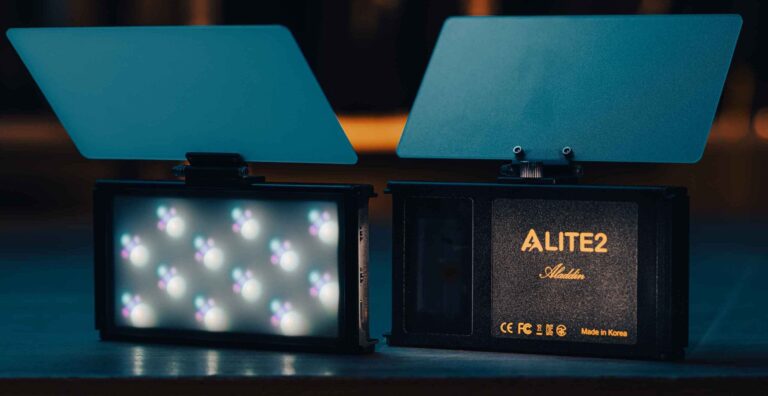
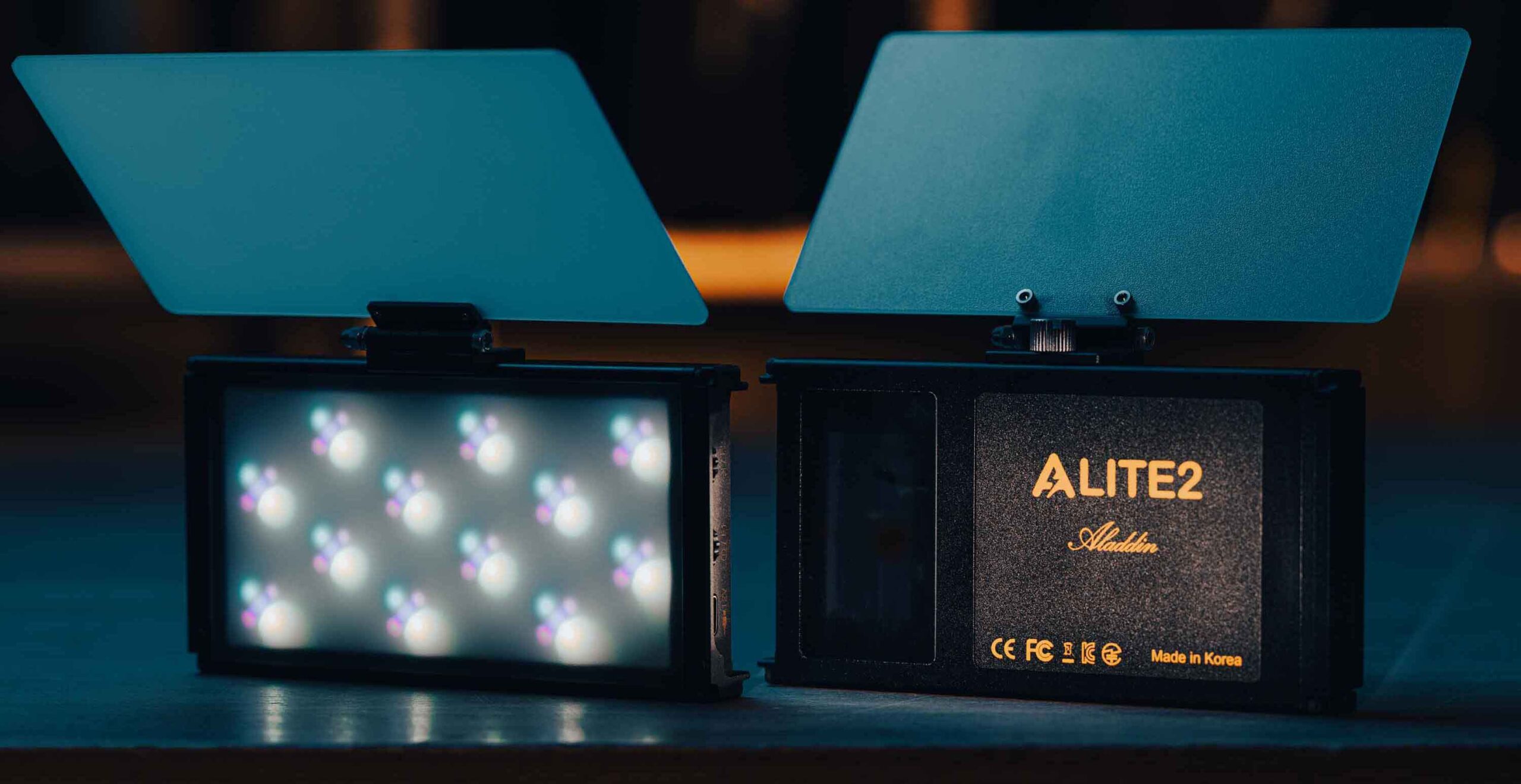
The Aladdin ALITE 2 is a 15 W pocket LED with a five-emitter CLAID light engine, a removable battery and local, Bluetooth and Wi-Fi control. It is designed for close accents, camera-mounted fill, practical effects and small product setups.
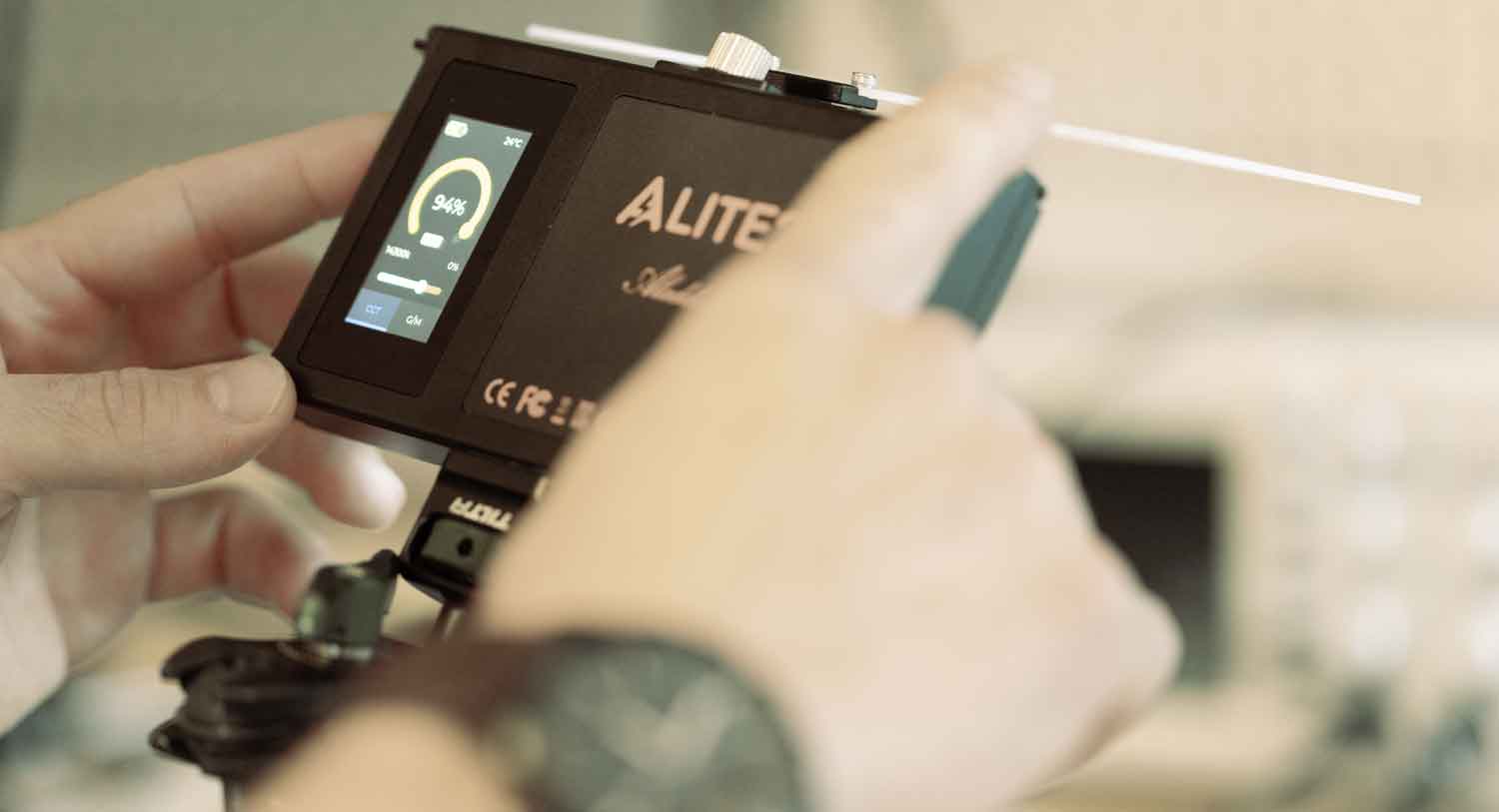
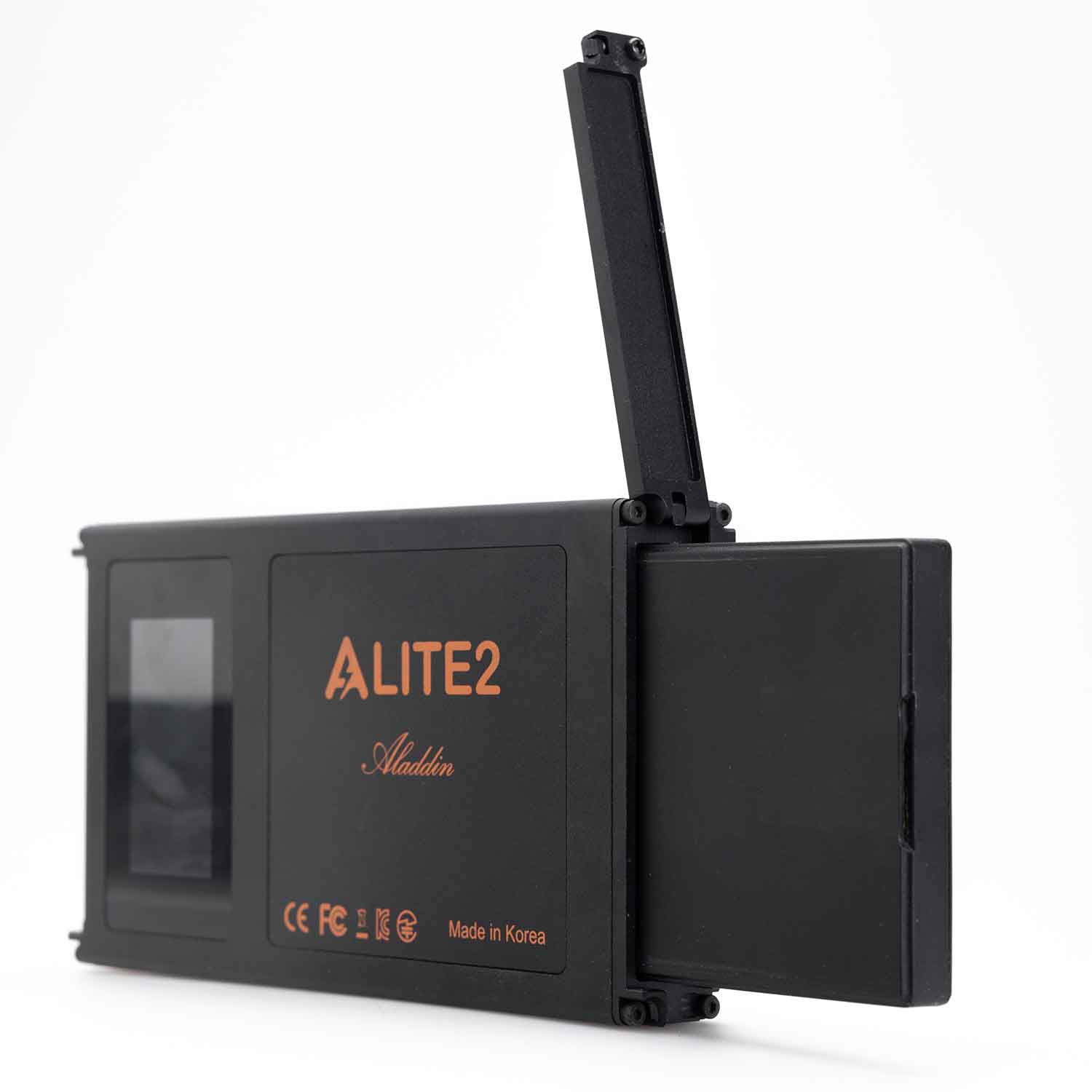
Select a photo to enlarge.
It replaces the role of the older bi-colour A-LITE with a much broader colour system. CLAID means cyan, lime, amber, indigo and deep red; describing this model simply as RGBWW would identify the wrong emitter arrangement.
Key specifications
| Specification | Details |
|---|---|
| Light engine | CLAID: cyan, lime, amber, indigo and deep red |
| Rated power | 15 W |
| CCT range | 1700–20,000 K |
| Manufacturer colour ratings | CRI 96–98; TLCI 95–99 |
| Power | Removable AL2 battery; USB-C charging |
| Charging while operating | 12 V USB Power Delivery, at least 25 W according to linked manual |
| Control | Local dials / screen, Bluetooth, Art-Net over Wi-Fi |
| App | Lampora for iOS / Android |
| Memory | Six slots, A–F |
| Effects | Three separately controlled pixels in Pixel mode |
| Mounting | ¼-inch thread and magnetic accessory interfaces |
Strengths and limitations
Strengths
- Small colour source with a replaceable battery
- USB-C and Wi-Fi control
- Magnetic shaping accessories
Limitations
- Its size limits softness and coverage at normal shooting distances.
- A basic phone charger may not sustain operation while charging.
- Mounting still needs to suit the surface and orientation.
Practical uses
Close fill. Place it near the camera for a small catchlight or gentle exposure lift. Bring diffusion close to the subject when a softer look is required; a tiny diffuser does not replace a large key.
Concealed practical. Hide the light inside a set feature and tune colour through the camera. Keep access to the battery release and prevent the fixture heating inside an enclosed prop.
Interactive colour. Use a saved look or effect for a small screen, passing colour or accent. Test the transition and pixel effect at the shooting frame rate.
Output and colour
Aladdin’s colour scores and broad CCT range describe the manufacturer’s light-engine claims. Output, colour fidelity and spectral match remain different questions. Test the intended colour through the actual diffuser on the materials in the scene.
A claimed runtime of around two hours is not a guarantee at every effect, colour, level or battery age. Carry charged spare batteries for repeatable takes rather than relying on the longest advertised runtime.
Power and batteries
The linked operating manual resolves the product page’s confusing USB wording: operating while charging requires a 12 V USB-PD adapter rated for at least 25 W. A 5 V USB charger is suitable for charging with the lamp off.
Use the matching removable battery and inspect the latch before mounting. Charge the battery using the approved method, keep the connector free of strain and test whether the intended USB supply can maintain the shooting level.
Charging and kit choices
| Use | Documented requirement |
|---|---|
| Lamp off, charging only | The guide permits a 5 V USB charger of 10 W or lower. |
| Lamp operating while charging | USB Power Delivery at 12 V, at least 25 W; a cable alone does not establish the charger’s supported PD voltage. |
| Standard kit | AL2-CLAID-KIT: lamp, folding diffuser, one battery and USB-C cable. |
| Two-battery kit | The manufacturer also lists a two-battery bundle; confirm the regional kit code and packing list. |
| Optional shaping | AL2-GRID-40 and AL2-GRID-60 magnetic grids; magnetic diffuser separate from the included folding diffuser. |
A second battery allows a change between takes and keeps charging equipment away from the concealed light position. The advertised two-hour runtime is not a measured guarantee for Boost, every colour mix or an aged battery. Leave access to the latch and allow the housing to cool before changing or packing batteries.
Control, cooling and camera operation
White mode provides intensity, CCT and green/magenta adjustment. Colour mode provides hue and saturation; Master/Cross combines white and colour. Local memory slots allow a cue to be recalled without rebuilding it.
Bluetooth and Art-Net over Wi-Fi are listed, with Lampora as the current app. The manual describes LumenRadio as optional, so native CRMX should not be assumed on a standard ALITE 2. Check the installed hardware and firmware before including radio operation in a package.
Local menus and repeatable looks
| Page / function | Working use |
|---|---|
| White | Intensity, CCT and green/magenta adjustment. |
| Colour | Intensity, hue, saturation and wavelength-based presets. |
| Master / Cross | Overall intensity and crossfade between white and colour. |
| Effects | Trigger, effect level and speed; check the chosen effect through the camera. |
| Slots A–F | Six stored looks retained after power-off. |
| Boost | F2 press-and-hold toggles Boost. The manual describes automatic shutdown if battery temperature exceeds 60°C. |
Art-Net and DMX profile selection
- Configure the Wi-Fi access-point settings through the Bluetooth app, then select Art-Net under Setup → Radio.
- In DMX / Univ, select start address, universe, chart mode and 8- or 16-bit operation. Match all four settings with the lighting controller.
- Confirm that the console sends to the intended receiver/network and test intensity, colour and a slow fade.
- For Pixel operation, check all three regions and their order. A whole-fixture profile and a pixel profile have different footprints.
- Save the selected radio mode with F2 press-and-hold and verify the setup after reboot.
| December 2025 example profile | 8-bit footprint | 16-bit footprint |
|---|---|---|
| Mode 1: CCT + green/magenta | 4 channels: Boost, intensity, CCT, G/M. | 7 channels: Boost plus coarse/fine intensity, CCT and G/M. |
| Mode 6: direct CLAID | 6 channels: Boost and five emitters. | 11 channels: Boost and coarse/fine values for five emitters. |
| Pixel profiles, modes 10–17 | Profile-dependent; three pixel regions. | Profile-dependent; use the matching chart. |
Changing bit depth changes the console footprint. The Boost channel is also part of these profiles, so an incorrect fixture personality can change output behaviour even when intensity appears to respond. Use the installed firmware’s chart rather than assigning a generic RGB fixture profile.
Several units without a console
The operating guide describes Broadcaster and Audience radio modes over Bluetooth. Units must use the same DMX channel and universe; the manufacturer notes that transmission delay can occur. This is useful for matching small accents, while time-critical effects still need a camera and cue test.
Modifiers, rigging and the working package
The standard kit includes a folding diffuser; two-battery bundles differ from the one-battery kit. Magnetic 40° and 60° honeycomb grids, an additional diffuser and spare batteries are separate accessory choices.
Use the ¼-inch mount or suitable magnetic mounting hardware for the actual surface. Magnetic accessories and a rear magnetic interface do not eliminate the need for secondary retention above people or fragile equipment.
Alternatives and related fixtures
| Fixture | Choose it for |
|---|---|
| Aputure MC | An older RGBWW pocket-light system. |
| Aputure MT Pro | A longer miniature pixel bar for a different reflected shape. |
| A-LITE (Original) | Discontinued original 8 W bi-colour A-LITE with Micro-USB charging. It lacks the CLAID colour engine, USB-PD and network features of ALITE 2. |
| EYE-LITE | Discontinued miniature bi-colour eye light with an internal battery. A close accent source rather than a broad key or full-colour system. |
| U-LITE | 1.2 W USB-A prop accent with seven preset colours. Its tap control and very small format serve a different job from a dimmable, remotely controllable pocket light. |
Videos
Aladdin ALITE 2 overview
Manufacturer introduction to the light, battery and control system.
Rental and used-fixture checks
Check the battery latch, USB-C port, magnetic accessory fit, screen and both control dials. Test a warm setting, daylight, saturated colours and each effect.
Pair Lampora, test Wi-Fi / Art-Net if needed and check the installed firmware. Confirm the charger’s PD profile, spare batteries and diffuser contents.
Documentation and specifications
Browse Aladdin lights, pocket lights or the equipment directory.
Manufacturer operating guide.
The linked guide covers the white, colour, effects and memory screens and explains the charger required for operating while charging. Read the source.