
Last Updated 2 days ago
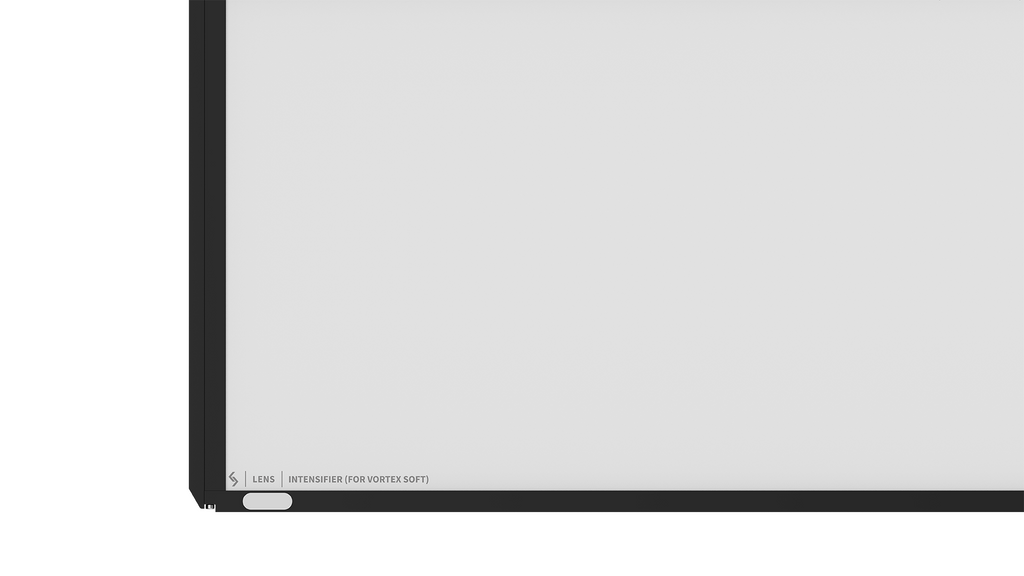
Creamsource’s black-framed Vortex8 panel has two working faces. On a Vortex8 it spreads the hard beam across a wider area. Turn it over for the Vortex8 Soft and it concentrates the native wash. A rental list that says only “Vortex8 lens” leaves both the intended effect and the fitted orientation open.
- Part number
- CSV-8-LENS-INTENSIFIER-WIDE
- Wide face
- Red indicator
- Intensifier face
- White indicator
Compatible fixtures
Specify the fixture model and part CSV-8-LENS-INTENSIFIER-WIDE. Look for the red Wide marking for the hard head and the white Intensifier marking for the Soft. The Vortex4 has its own size. Creamsource uses separate Wide and Intensifier parts on the Vortex24.
Key specifications
| Specification | Details |
|---|---|
| Part | CSV-8-LENS-INTENSIFIER-WIDE |
| Identification | Black frame, red Wide indicator and white Intensifier indicator |
| Accessory type | Reversible, fixed-angle optical panel |
Beam change by fixture
Creamsource quotes an effective beam angle for each pairing. A change from 20° to 85° is a substantial increase in coverage. On the Soft, 110° to 80° is still a broad source, with more light directed toward the middle.
| Fixture and face | Native beam | With lens |
|---|---|---|
| Vortex8, Wide (red) | 20° | 85° |
| Vortex8 Soft, Intensifier (white) | 110° | 80° |
Practical uses
For a Vortex8 filling a frame of diffusion at short range, use the Wide face and check the corners of the frame. For a Vortex8 Soft upstage of a table, use the Intensifier face when the bare Soft lights too much of the room. Walk the ends of the table before setting the dimmer. The two heads can end up with similar beam angles while retaining different beam character.
Rental and used-gear checks
- Look at the markings on the actual insert.
- The older silver Medium Diffuser corresponds to the newer XWide lens, a different item.
- Check the panel for bent edges and surface damage, fit it in the intended head, and record which side was used for matching shots.