
Last Updated 2 days ago
Overview
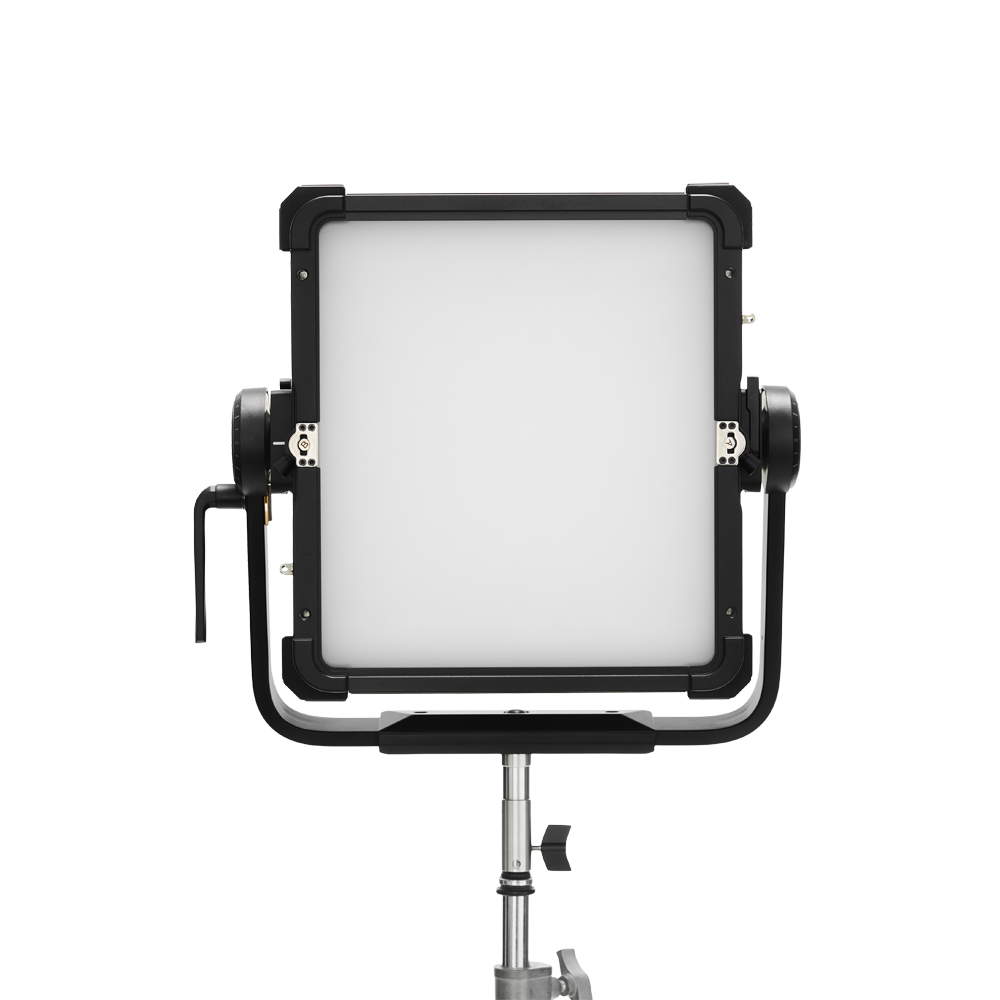
The Aputure NOVA II 1×1 is a full-colour, single-pixel LED panel with a BLAIR-CG engine, a 35° native beam and an included flat diffuser. It offers a 1,800–20,000K white-light range, tint correction and IP65 protection. Its 500W LED class should be distinguished from the 650W maximum AC input.
The square format suits a close key, small bounce or constrained location. It remains a substantial panel: the bare head, yoke and diffuser are separate weights, and none includes the stand.
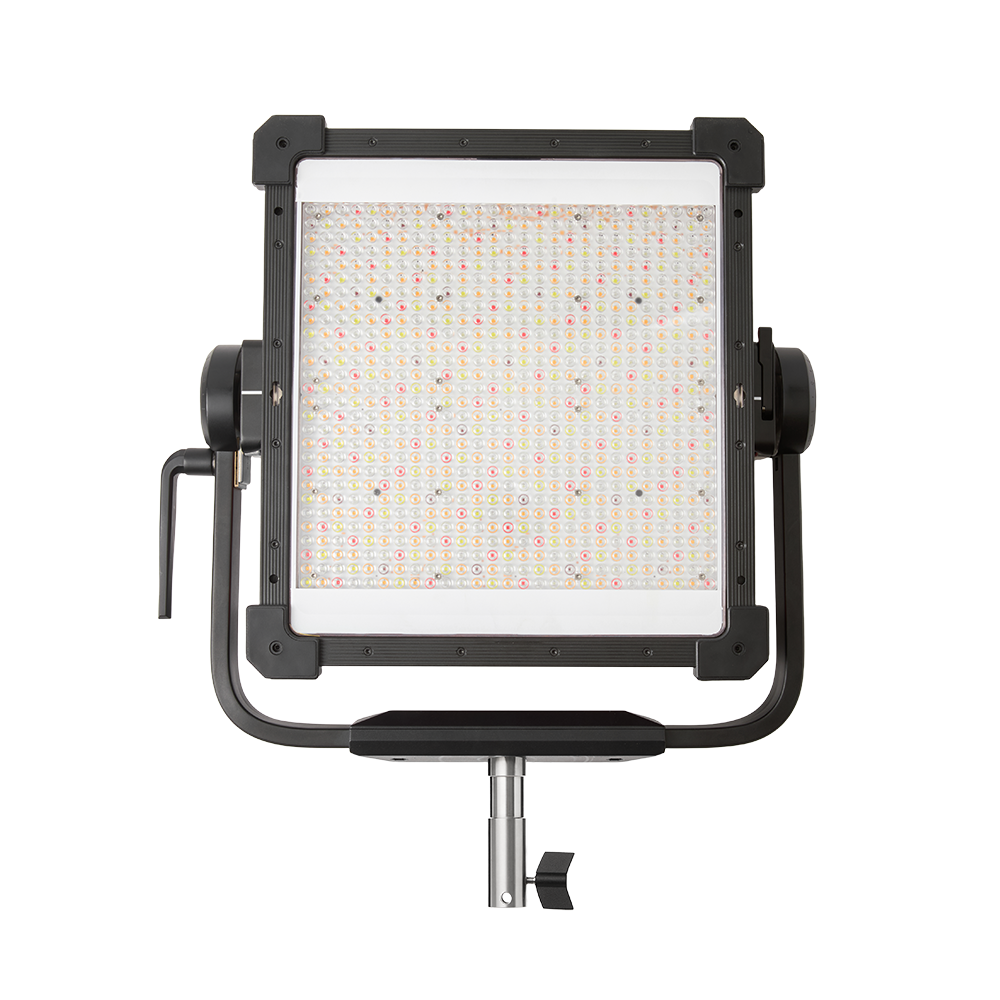
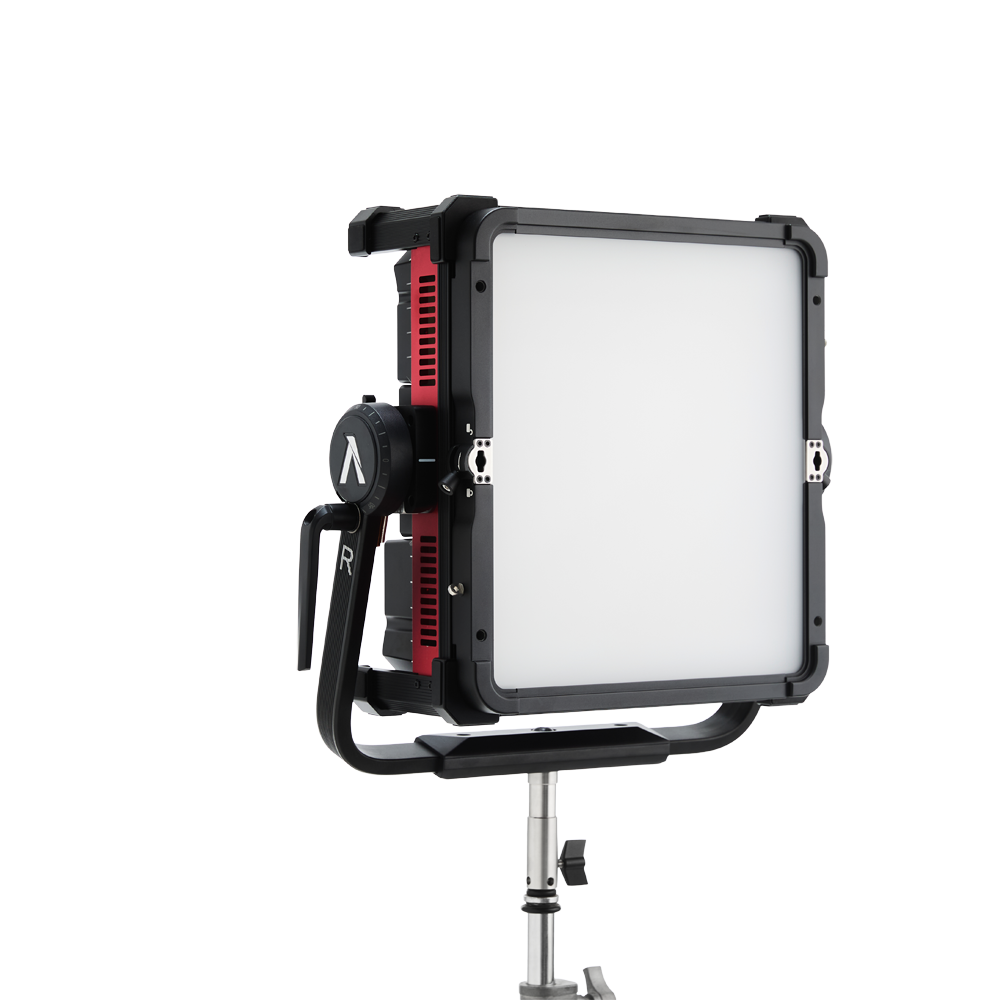
Select a photograph to view it at full size.
Key specifications
| Specification | Details |
|---|---|
| Light engine / colour | BLAIR-CG; full-colour and tunable white |
| CCT / tint | 1,800–20,000K; full-range green–magenta adjustment |
| Maximum electrical input / LED class | 650W / 500W |
| AC supply | 100–240V, 50/60Hz |
| Native / flat-diffuser beam | 35° / 95° |
| Pixels | 1 |
| Colour references | CRI/TLCI ≥96; SSI tungsten 90 / D56 86 |
| Weights: bare head / yoke / diffuser | 9.55kg / 1.80kg / 1.35kg |
| Dimensions with yoke | 49.2 × 57.9 × 15.6cm |
| Weather / operating temperature | IP65; −20°C to 50°C |
| Control | Onboard, Sidus Link / Link Pro, DMX/RDM, CRMX, Art-Net/sACN |
Technical reference: Aputure product information and downloads.
Strengths and limitations
Strengths
- Selectable native and diffused beam configurations suit bounce and direct soft-light work.
- Full-colour mixing, tint adjustment and a broad CCT range support mixed-source locations.
- Integrated power and console connectivity reduce the number of separate boxes at the stand.
Limitations
- One pixel means the panel cannot display separate colour zones across its face.
- The narrow native-beam reading is substantially brighter than the reading with diffusion fitted.
- Power, mass and fan mode still need planning even though the fixture is a panel rather than a head-and-ballast system.
Practical uses
| Setup | Working approach |
|---|---|
| Close interview key | Fit the flat diffuser or a suitable softbox, bring the source close enough for the required softness and use a grid or negative fill to hold contrast. |
| Small location bounce | Remove the diffuser when a more concentrated beam helps fill a selected wall or bounce. Keep the beam off neighbouring surfaces that would flatten the room. |
| Product colour wash | Set colour on the production camera with the product present. Use a flag to stop a coloured background wash contaminating a neutral key. |
| Traveling interview package | Compare the packed case, support and diffuser volume with a COB and softbox package. The 1×1 format is convenient only if the complete package fits the move. |
Output and colour
The native 35° beam concentrates the output. The included flat diffuser broadens it to a published 95°, so a direct comparison with an older wide-beam panel needs the same coverage and modifier conditions.
The table separates the bare optical configuration from the flat diffuser. These are manufacturer readings at full output. Fixture class, centre lux and apparent source size describe different things; none alone predicts whether the lamp will make a sufficiently soft key at the planned distance.
| CCT | Distance | No modifier (lux) | Flat diffuser (lux) |
|---|---|---|---|
| 3,200K | 1m | 107,100 | 20,040 |
| 3,200K | 3m | 13,160 | 2,457 |
| 5,600K | 1m | 108,200 | 20,080 |
| 5,600K | 3m | 13,300 | 2,466 |
Published photometrics: measurement configurations and full output tables.
Tests and demonstrations
On Set’s NOVA comparison includes a dedicated 1×1 section beginning at 1:03:12, followed by its lighting demonstration. It also discusses the other NOVA models, so compare the stated fixture and modifier in each segment.
Power and batteries
Plan AC distribution around 650W maximum input, not the 500W LED-class description. Leave appropriate capacity for the other equipment sharing the supply.
The power supply is integrated into the panel. There is no standard pair of onboard camera-battery plates to treat as an automatic location power solution. A portable AC supply must deliver the continuous load at the chosen operating mode.
If power is passed through between fixtures, use the manufacturer’s chain limit for the supply voltage, connectors and cables. A loop-through connector does not permit an unlimited number of panels on one circuit.
Control, cooling and camera operation
The fixture supports onboard control, Sidus Link and Link Pro, five-pin DMX/RDM, internal CRMX and Ethernet Art-Net/sACN. Select the console personality for 1-pixel operation where required, and match it to the installed firmware.
Choose Max Output or Constant Output to suit the cue. A colour-temperature transition can change intensity in a maximum-output mode; establish exposure only after selecting the mode.
Active cooling includes quieter modes. Confirm the available output and audible fan behaviour after the fixture is warm. Test high-speed camera settings and low-level fades together, rather than checking them in separate setups.
Modifiers, rigging and the working package
| Component / accessory | Package considerations |
|---|---|
| Head, yoke and diffuser | 9.55kg bare head, 1.80kg removable yoke and 1.35kg flat diffuser; add all fitted components to the support load. |
| Front accessories | Size-specific NOVA 1×1 softbox, dome diffuser, barn doors and fabric grid. |
| Stand / grid mounting | TV-MP mounting pin and removable yoke; choose the support for the complete configured lamp. |
| Bowens modifiers | The panel has a dedicated front accessory system; Bowens softboxes and COB projection lenses do not mount directly. |
| Transport | Optional rolling case; the published loaded-case reference is 23.50kg. |
The flat diffuser, dome and softbox produce different apparent source depths and reflections. Fit the intended accessory before placing the stand in a tight corner, and check that the cable and yoke remain clear through the tilt range.
Alternatives and related fixtures
| Fixture | When to compare it |
|---|---|
| Nova P300c | An older soft-panel package worth comparing on rental or used price; account for its different optical and control generation. |
| Nova P600c | An established RGBWW panel; compare the complete package and diffused coverage. |
| STORM 1000c | A full-colour point source when a Fresnel, projection optic or deeper softbox is central to the job. |
| Creamsource Vortex4 | Compare the native beam, diffusion, rigging and local rental ecosystem. |
What people are saying
On Set, May 2026. The comparison with gaffer Mikhail Shashko includes a separate 1×1 segment, plus handling, accessory and colour demonstrations. Watch from the 1×1 chapter.
Panel comparison. On Set’s longer hands-on discussion separates the NOVA II models from the narrow-beam NOVA 9°. Its chapters make it easier to inspect the relevant fixture.
Videos
On Set: NOVA family hands-on comparison. The NOVA II 1×1 section starts at 1:03:12; the lighting demonstration follows at 1:12:43.
Rental and used-fixture checks
- Confirm the diffuser and accessory size; 1×1 and 2×1 front accessories are different packages.
- Inspect the yoke locks, removable-yoke connection, front accessory catches and stand interface.
- Run the fixture warm in the intended fan mode and listen at the microphone position.
- Test DMX/CRMX and any pixel personality with the production console.
- Include the case, power cable, safety attachment and required soft-light accessories in the rental comparison.
Documentation and specifications
- Aputure product specifications, kit options and firmware downloads
- Product manual (PDF)
- DMX profiles (PDF)
- Manufacturer data sheet (PDF)
Browse Aputure lights · LED panels · all equipment.